LEDs
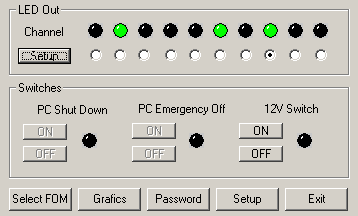
There are eight, individually adjustable LEDs.
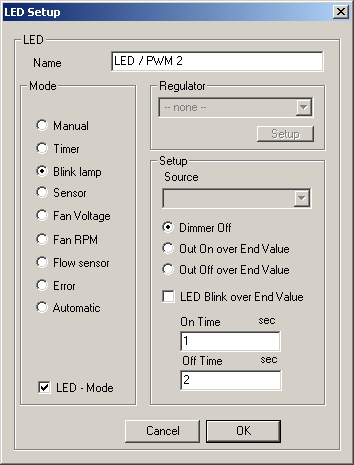
There are options for each separate LED.
Each connected LED has numerous setting options. Besides manual-on or simple blinking, you can also adjust the LED brightness or set sensors, with fan rpms, timers and control buttons serving as sources. With some clever interlinking, the LEDs can even appear as bar graphs.
Profiles
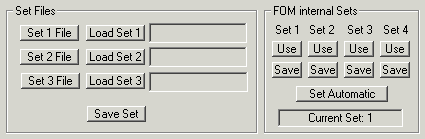
Several profiles can be input and saved; here the Fan-O-Matic gives you four sets from which to choose.
Anyone who uses their PC both for work and play will not want to have to waste minutes of precious time readjusting their fan controller every day. Practically enough, the Fan-O-Matic gives you four different profiles between which you can switch back and forth quickly and easily - one click does the job. The profiles can also be switched in a jiffy on the actual device.


