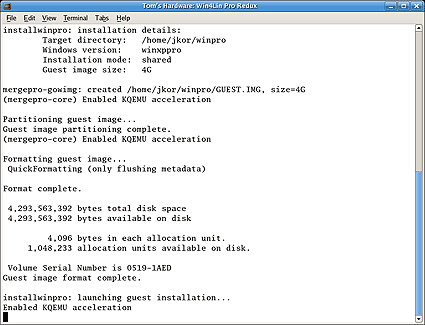
One note of critical importance: Create the maximum allowable disk space here once and for all. Once this image is finalized, no further resizing of the partition is possible. The default size is 4 GB, which may not be adequate for all configurations. Below, an example invocation shows a less conservative 6 GB partition dedicated to the reference environment, and the default install mode is declared as shared:
$ installwinpro -w winxppro -g 6G -m shared
In turn, this launches the installation process shown in the following image (with a default 4G image):
Latest Videos From
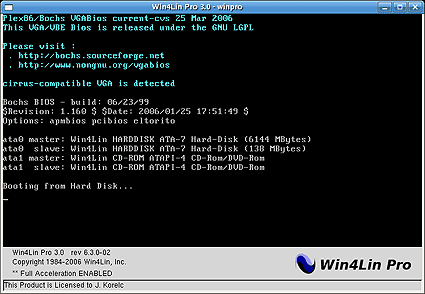
Once the emulated guest environment comes up, it appears as in the following screenshot:
For more information on install modes and other run-time configuration parameters, consult the Win4Lin User-Guide.
Stay On the Cutting Edge: Get the Tom's Hardware Newsletter
Get Tom's Hardware's best news and in-depth reviews, straight to your inbox.
Ed Tittel is a long-time IT writer, researcher and consultant, and occasional contributor to Tom’s Hardware. A Windows Insider MVP since 2018, he likes to cover OS-related driver, troubleshooting, and security topics.