The Graphics Cards Articles
- OpenGL Workstation Graphics: Now We're Talking High End!
- Radeon X1600 Pro: Prolonging the Graphics Life of Your AGP Machine
- GeForce 7950 GX2 - SLI on a Single Card
- Graphics Card Quiet: Gigabyte's Silent-Pipe II Cooling
- Maxing Out Your Graphics Card With Tomb Raider Legend
- ATI Buyer's Guide, Part III: All Graphics Cards!
- ATI Graphics Card Buyer's Guide 2006, Part II
- ATI Graphics Buyer's Guide Spring 2006, Part 1
- Can Matrox's TripleHead2Go Span Fun Across Three Displays?
- Nvidia Goes For Four: Quad SLI Gaming Dissected
News
Reviews
Forum
- Medal of Honor Airborne Install Error
- MOH Airborne Install/Restart Problem
- 3dMark Vantage out of whack
- A glimpse at the difficulties of multi threading
- CPU options for gaming rig
- Anyone runnin' a PhysX Ageia in their rig? To use, or not to use!
- help on overclocking my new system
- help on overclocking ???
- help with a q6600 set-up
- O/C Marathon Day 4 - Bangs and Bucks
Installing The PhysX Card
Table of Contents:
Installing The PhysX Card
The card is inserted into a free PCI slot. As mentioned above, the setup routine of Ghost Recon Advanced Warfighter installs version 2.3.3 of the device driver for the card. It also adds an icon to the system tray, allowing for quick access to the Ageia settings.
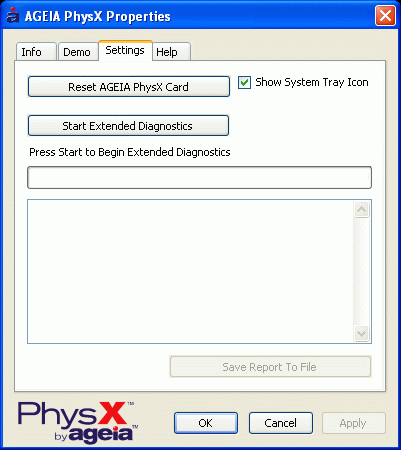
Once the driver recognizes the PhysX card, the hardware can be reset or diagnosed.
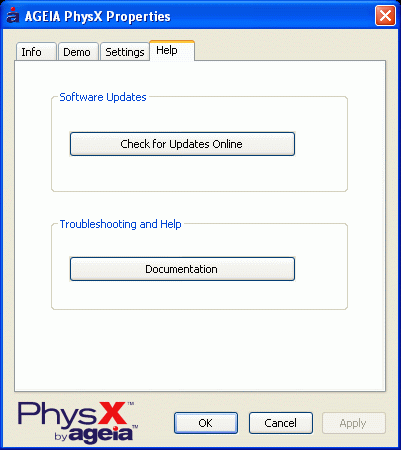
The driver's built-in update feature links to the download section of www.ageia.com.


The website exists only in English. We downloaded the driver, 2.4.3, and installed it.
- Previous page Ageia PhysX vs. Nvidia SLI Physics
- Next page Installing The PhysX Card, Continued

