Join for quick access. Enter your email below and we'll send confirmation plus sign you up to our newsletter.
By submitting your information, you confirm you are aged 16 or over,
have read our
Privacy Policy
and agree to the
Terms & Conditions. Geographical rules apply.
Stay On the Cutting Edge: Get the Tom's Hardware Newsletter
Get Tom's Hardware's best news and in-depth reviews, straight to your inbox.
You are now subscribed
Your newsletter sign-up was successful
Join the club
Get full access to premium articles, exclusive features and a growing list of member rewards.
An account already exists for this email address, please log in.
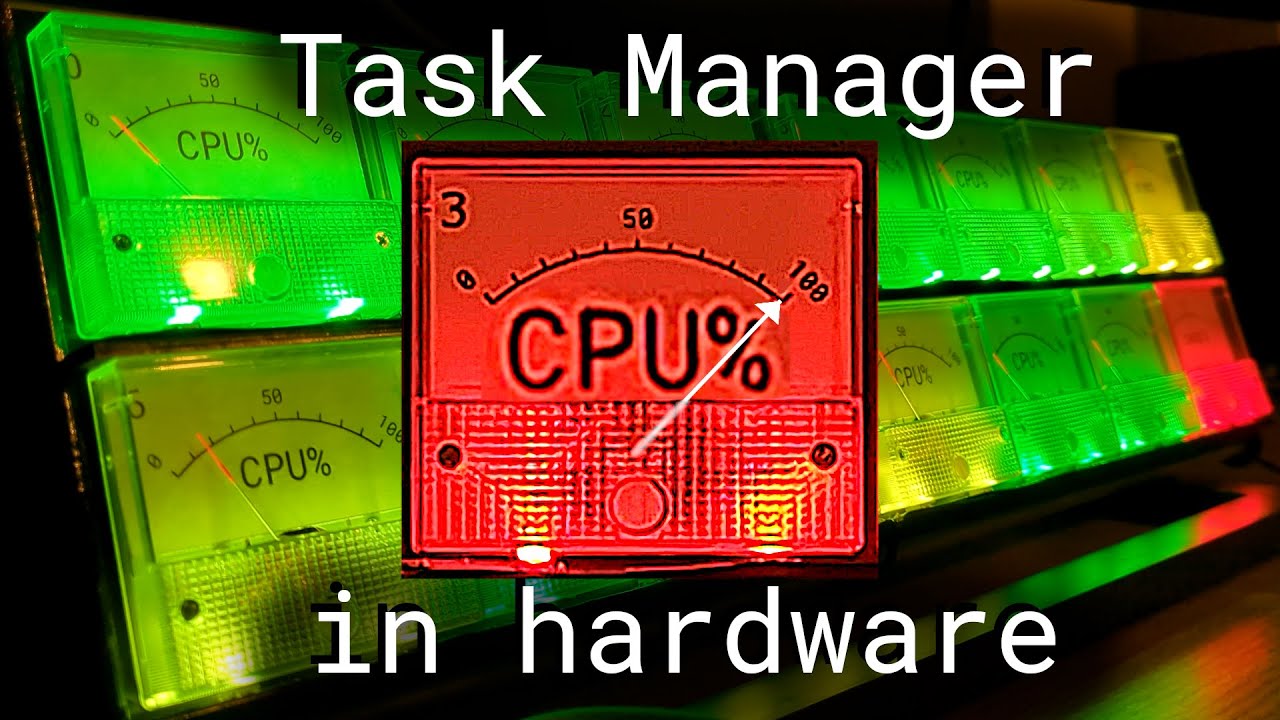
CPU Monitor Uses Physical Dials and LEDs to Show Usage
Knowing the upper limits of what your machine can handle is at the forefront of PC gaming. One of the best ways to monitor your machine’s performance is to observe the CPU usage and this is usually done digitally using software such as the Windows Task Manager that comes with the operating system. However, Lex from Computing: the Details has created a new CPU monitor from scratch that takes things out of the digital realm and into the real world.
To monitor the CPU, at least 12 dials would be needed to represent each core's load . However, Lex opted to add additional dials to keep an eye on memory usage and swap space. As these metrics change, the dials move to indicate how much workload is being handled at a given time. The LEDs also change to indicate how high or low the level is at a glance.
Behind each dial is a scale that represents how much usage is measured. Lex printed custom artwork to stick on top of the default gauges to reflect values that make sense for each reading. One was created for the 12 CPU dials and two more for the memory usage and swap space dials.
The dials are controlled using an Arduino Mega with PWM. This board also operates the LEDs which in this case is a string of individually addressable strip lights that neatly fit under each dial. The hardware is housed using a custom frame that’s laser cut and held together using tabs and cut-outs.
According to Lex, the software used in this program is a Rust program they created just to pull data and process it for the Arduino. The PC communicates with the Arduino using a USB interface. This enables the CPU monitor to respond to usage in real time. If you want to see this project in action, check out the video shared to YouTube by Lex and be sure to follow Computing: the Details for more cool projects.
Stay On the Cutting Edge: Get the Tom's Hardware Newsletter
Get Tom's Hardware's best news and in-depth reviews, straight to your inbox.
Ash Hill is a contributing writer for Tom's Hardware with a wealth of experience in the hobby electronics, 3D printing and PCs. She manages the Pi projects of the month and much of our daily Raspberry Pi reporting while also finding the best coupons and deals on all tech.