









Western Digital NVMe SSD users beware: Windows 11 24H2 is causing BSODs unless you tweak your registry
A misconfigured Host Memory Buffer seems to be the cause.
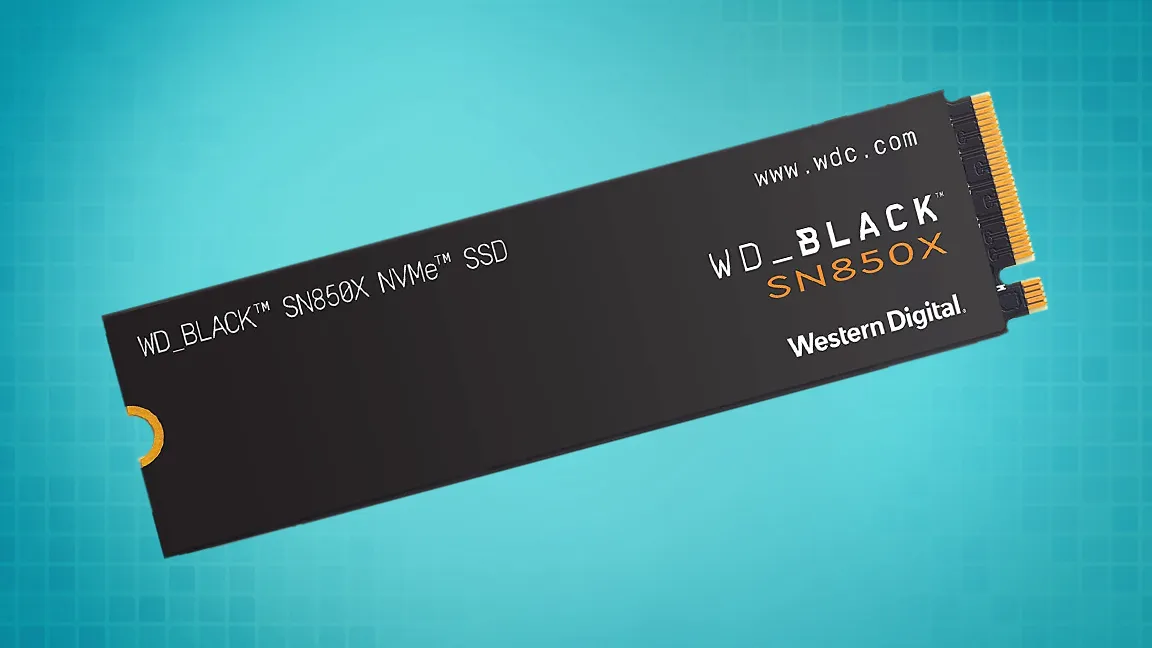
According to reports from the Western Digital community forum since October 8, it seems that a significant portion of Western Digital NVMe SSD users are suffering from looping Blue Screens of Death as of the Windows 11 24H2 update, thanks to a misconfigured NVMe Host Memory Buffer.
The models most commonly impacted seem to be WD Blue SN580 and WD Black SN770, which rely on HMB. Host Memory Buffer for NVMe storage drives allows the drives in question to use system RAM as additional cache, usually about 64MB— but 24H2 has been seen allocating as much as 200MB, which seems to cause the instability.
Fortunately, Western Digital NVMe SSD users aren't totally out of luck. A quick Registry edit (Safe Mode advised) to limit HMB allocation to the intended 64MB or turning it off outright has been reported to fix the problem. And, of course, since HMB and related settings are purely for NVMe rather than SATA SSDs, users of Western Digital SATA SSDs have nothing to be concerned about here.
How To Fix NVMe SSD Crashing in Windows 11 24H2
- Open Start Menu, type Regedit to enter the Registry Editor.
- Find "HKEY_LOCAL_MACHINE\SYSTEM\CurrentControlSet\Control\StorPort key"
- Create "HmbAllocationPolicy" subkey unless it's already there.
- Set DWORD to 0 or 2— 0 disables HMB entirely, while 2 sets it to the default 64MB value.
Of course, disabling HMB entirely will have a greater performance deficit than just lowering the allocation to 64MB, but one of the two steps is highly recommended if you're a Western Digital NVMe drive user experiencing this issue since it seems to be the only solution.
Besides a registry edit, users have also had luck reverting the Windows 11 24H2 update entirely to fix this problem. While a quick regedit is probably the cleanest way to solve the problem, reverting to Windows 11 is also an option if you have other issues with the Windows 11 24H2 update, mainly if you apply the fix and find yourself having significantly reduced performance compared to the previous updates.
Finally, it's worth noting that this issue might not be exclusive to Western Digital NVMe drives since HMB is hardly a WD-exclusive feature. This misconfiguration seems to have been done within Windows 11 itself, not by Western Digital. Thus far, reports we've found have all been for Western Digital drives, but if you encounter BSODs with Windows 11 24H2 and use an NVMe drive, applying the fixes suggested above may be the best move.
Get Tom's Hardware's best news and in-depth reviews, straight to your inbox.

Christopher Harper has been a successful freelance tech writer specializing in PC hardware and gaming since 2015, and ghostwrote for various B2B clients in High School before that. Outside of work, Christopher is best known to friends and rivals as an active competitive player in various eSports (particularly fighting games and arena shooters) and a purveyor of music ranging from Jimi Hendrix to Killer Mike to the Sonic Adventure 2 soundtrack.
-
triplex1 I have 2 WD Black 850 NVMe SSD drives and there is no problem with Windows 11 24H2 and BSODsReply -
Notton These 24H2 bugs are cropping up on a weekly basis...Reply
Like okay, I get it, you can't cover all possible hardware configurations, but you also didn't need to change the HMB when it was working fine before. -
BattenMob Reply
It seems that the sn770 was documented and WD was informed of this specific firmware bug as far back as 2022 in Linux, by various Linux developers!Admin said:A major Windows 11 24H2 issue is crashing Western Digital SSDs.
Western Digital NVMe SSD users beware: Windows 11 24H2 is causing BSODs unless you tweak your registry : Read more
2023: https://github.com/openzfs/zfs/discussions/14793
2022: https://www.spinics.net/lists/kernel/msg4352567.html -
Covante Reply
The sn850 and sn850x don't use hmb. They have dedicated dram chips on them for cache. I don't know why they put an 850x in the picture for the article.triplex1 said:I have 2 WD Black 850 NVMe SSD drives and there is no problem with Windows 11 24H2 and BSODs -
triplex1 Reply
that's why I wrote it too, because I saw the photoCovante said:The sn850 and sn850x don't use hmb. They have dedicated dram chips on them for cache. I don't know why they put an 850x in the picture for the article. -
RyzenNoob I have the sn770, and don't seem to have a problem with it at all, is this scaremongering again, so people go out and buy new gear?Reply -
Lafong Reply
I seriously doubt it.RyzenNoob said:I have the sn770, and don't seem to have a problem with it at all, is this scaremongering again, so people go out and buy new gear?
Do you have 24H2? -
Lafong ReplyRyzenNoob said:Yes
I don't have any version of 11 yet, but I do have an SN770.
I spent an hour or so earlier today digging into various links about the topic.
There are posts on various forums about it. Some can't boot at all, some are faced with blue screens immediately or only occasionally.
Word is that both Microsoft and WD are aware of the issue.
WD has not yet offered a firmware update to fix the issue.
There's a registry setting that is said to be a fix. You can make the setting manually, or find the reg file that will automatically add it to your registry. It's out there.
I would NOT use it if I wasn't having the problem. Maybe your good luck will continue. Seems to be only dramless drives that are affected.