Join for quick access. Enter your email below and we'll send confirmation plus sign you up to our newsletter.
By submitting your information, you confirm you are aged 16 or over,
have read our
Privacy Policy
and agree to the
Terms & Conditions. Geographical rules apply.
Stay On the Cutting Edge: Get the Tom's Hardware Newsletter
Get Tom's Hardware's best news and in-depth reviews, straight to your inbox.
You are now subscribed
Your newsletter sign-up was successful
Join the club
Get full access to premium articles, exclusive features and a growing list of member rewards.
An account already exists for this email address, please log in.
You can customize this Raspberry Pi eInk display with tons of cool plugins
The Raspberry Pi is an excellent choice for makers who want to tinker with eInk displays. The Raspberry Pi Zero 2W is particularly useful because it consumes little power and provides Wi-Fi access. It is excellent for integrating your eInk display with online tools.
However, if you're unfamiliar with setting up an eInK display or even tinkering with a Raspberry Pi, it can be intimidating to get started. That's where projects like this one from Fatih Ak come into play! Using our favorite SBC, he's developed a handy system called InkyPi that makes it easier than ever to set up your own eInk display with various plugins.
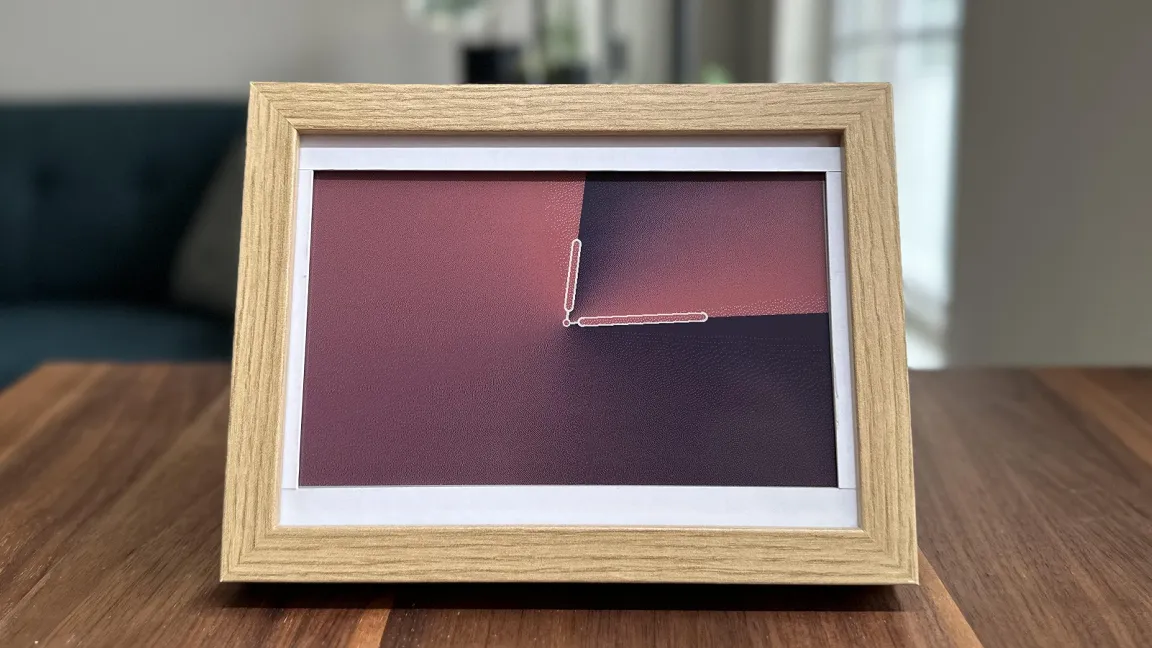
InkyPi eliminates the stress of developing an interface from scratch by providing various modules to build your desired eInk display system. You can create a desk clock, integrate it with news feeds, or even use AI tools to create unique images from scratch. It is great for personal projects or last-minute gifts.
Modifying the screen is as easy as accessing the web interface using a smartphone, tablet, or PC connected to the same network as the eInk setup. You can create your plugins if you like. Still, you get a handful to play around with, including one for uploading images, generating unique images with AI, displaying a clock, and showing news headlines from primary news sources.
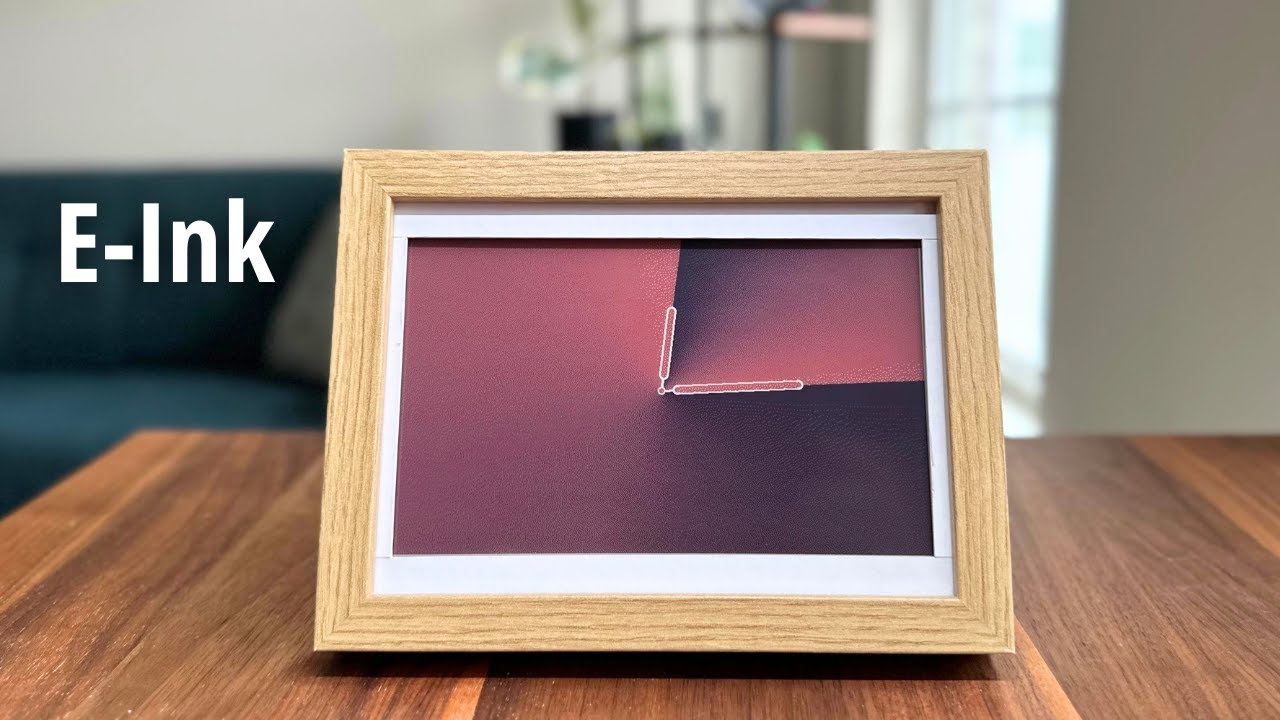
The eInk panel used in the InkyPi demo video is a Pimoroni 7.3-inch Inky Impression board. It's connected to a Raspberry Pi Zero 2 W and housed inside an Ikea picture frame. If the Pi and Inky Impression frame fit inside, you could use any frame you like. The scope of what it can offer will also vary depending on the microSD card size you choose.
According to Ak, InkyPi is still a work in progress, so you can expect future updates on what it will provide in the form of plugins and security features. There are also plans to add support for Waveshare displays. The software for the project has been made completely open source and is available over at GitHub for anyone to explore. The AI plugin functions using DALL-E with text prompts.
If you want to see this Raspberry Pi project in action, visit Fatih Ak's official YouTube channel and follow him for future projects and updates.
Stay On the Cutting Edge: Get the Tom's Hardware Newsletter
Get Tom's Hardware's best news and in-depth reviews, straight to your inbox.
Ash Hill is a contributing writer for Tom's Hardware with a wealth of experience in the hobby electronics, 3D printing and PCs. She manages the Pi projects of the month and much of our daily Raspberry Pi reporting while also finding the best coupons and deals on all tech.