Network Setup
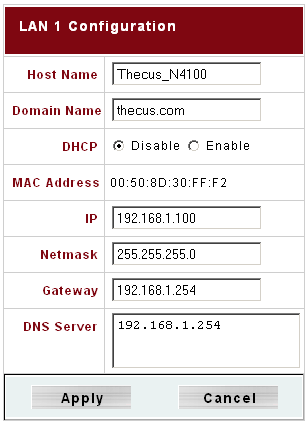
DHCP can be used if the N4100 is accessed via its NETBIOS name.
On the whole, there isn't a lot to set up. The configuration requires an IP address or use of the DHCP option, a NETBIOS device name, and a few other parameters, and you're set. Once it's up and running, the N4100 behaves just like any other computer on the network, although it only offers services for network shares, which are called folders.
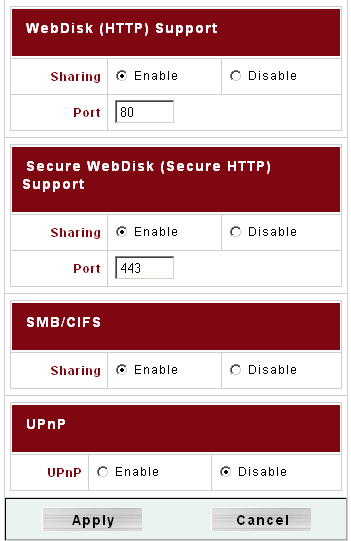
The service ports for remote administration can be chosen freely.

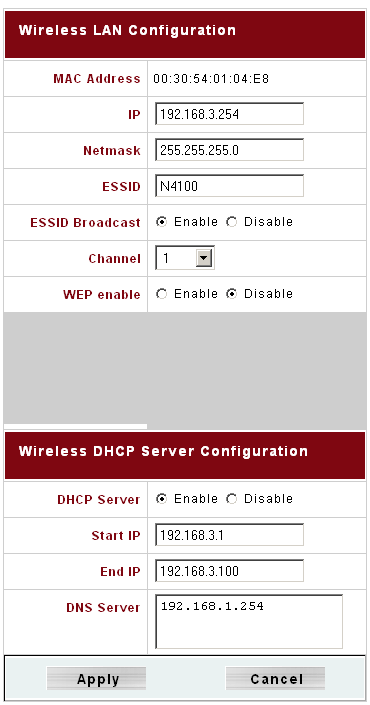
Our review unit came with a WLAN module, which also worked as an access point. It can be configured to supply IP addresses to connected devices via DHCP. However, the N4100 cannot function as a client in an existing WLAN.
TOPICS
