Join for quick access. Enter your email below and we'll send confirmation plus sign you up to our newsletter.
By submitting your information, you confirm you are aged 16 or over,
have read our
Privacy Policy
and agree to the
Terms & Conditions. Geographical rules apply.
Stay On the Cutting Edge: Get the Tom's Hardware Newsletter
Get Tom's Hardware's best news and in-depth reviews, straight to your inbox.
You are now subscribed
Your newsletter sign-up was successful
Join the club
Get full access to premium articles, exclusive features and a growing list of member rewards.
An account already exists for this email address, please log in.
Asus Z890 motherboards update the BIOS without unzipping the file — EZ Flash 4 comes with support for ZIP files
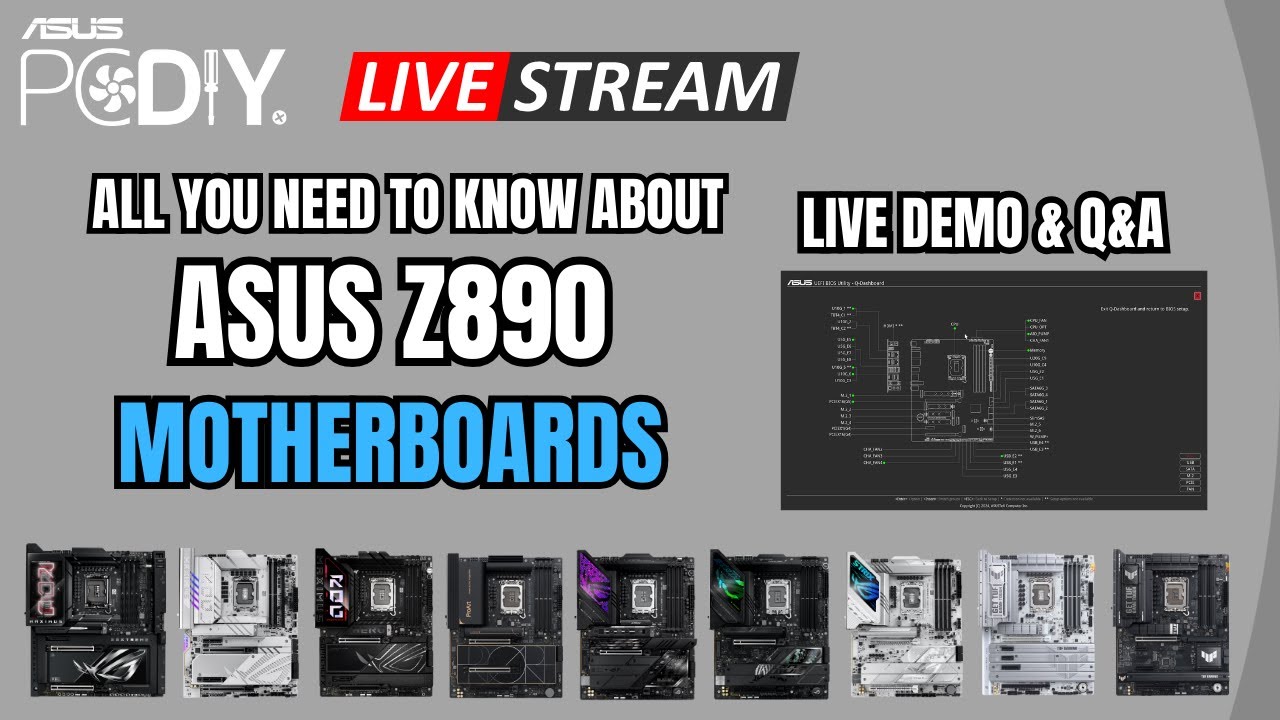
Asus has made updating your BIOS with EZ Flash 4 easier. This method of updating your motherboard no longer requires you to unpack the compressed file containing the updates, saving you a little time and effort. Asus North America showcased this tiny improvement on its Z890 AMA YouTube stream (h/t Uniko's Hardware), which would help make it easier to update the BIOS, even if you’re not a tech enthusiast.
This feature is available in Asus Z890 motherboards with EZ Flash 4. In addition to EZ Flash 4, Asus also updated its BIOS interface so that it runs at a native resolution of 1920 x 1080, which is what many monitors use. These quality-of-life improvements won’t impact the overall performance of your motherboard or PC, but they will at least make it easier to navigate under the hood of your computer.
Windows Update can sometimes keep your Asus motherboard updated, but there are times when you will have to do this manually. For example, the crucial 0x12b microcode patch that Intel released to prevent its Raptor Lake and Raptor Lake Refresh chips from instability issues requires a manual BIOS update. Although none of the just-released boards would be affected by this microcode update, having the install from zip capability would reduce the number of steps needed to update your motherboard, making it easier for the average user to deploy BIOS updates that can’t be released via Windows.
Another quality-of-life feature that Asus Z890 motherboards have is the PCIe Slot Q-Release button, which lets you remove your GPU (or any other PCIe add-in card, for that matter) without needing to reach deep into the motherboard to move the latch. This is particularly helpful if you have a pretty large graphics card, like an RTX 4090, and many other components that make it hard to reach inside.
Many PC builders and enthusiasts will appreciate these small things, as they will make life easier when building and maintaining a PC. Nevertheless, performance and reliability still top these features, so Asus needs to stay on top of its game to keep ahead of the competition.
Stay On the Cutting Edge: Get the Tom's Hardware Newsletter
Get Tom's Hardware's best news and in-depth reviews, straight to your inbox.
Jowi Morales is a tech enthusiast with years of experience working in the industry. He’s been writing with several tech publications since 2021, where he’s been interested in tech hardware and consumer electronics.
I've been going through the manual for the Z890 Strix E since I'll be using that in my next build. One of the more important things that bothers me the most is the lack of a case fan connector near the back of the motherboard for the rear case fan. Also more importantly, with m.2 coolers becoming larger they need to rethink the location of those, preferably away from the cpu, vrm and gpu coolers. Fortunately with that board since the 3rd and 4th m.2 slots seem to operate the same as the 1st slot when I'm not using a gpu I can mount an m.2 in the 4th slot and mount a Team Group T-FORCE DARK Air Flow cooler on top of it without interfering with any other components.
Making small changes like these do add up. The 1080p and zip file support is nice. I have a few Asus MBs with the Q-release. Very handy. The old style is a pain. It sometimes requires a tool, (I use a wooden dowel). A slip can damage your MB. The Q-release button is a joy to use. I hope the other MB vendors do the same. (If they haven't already).