




Do-It-Yourself PC System: CPU & Motherboard
Features
By
Frank Völkel
published
Add us as a preferred source on Google
Stay On the Cutting Edge: Get the Tom's Hardware Newsletter
Get Tom's Hardware's best news and in-depth reviews, straight to your inbox.
By submitting your information you agree to the Terms & Conditions and Privacy Policy and are aged 16 or over.
You are now subscribed
Your newsletter sign-up was successful
An account already exists for this email address, please log in.
Subscribe to our newsletter
Step By Step: Assembling The PC
Processor
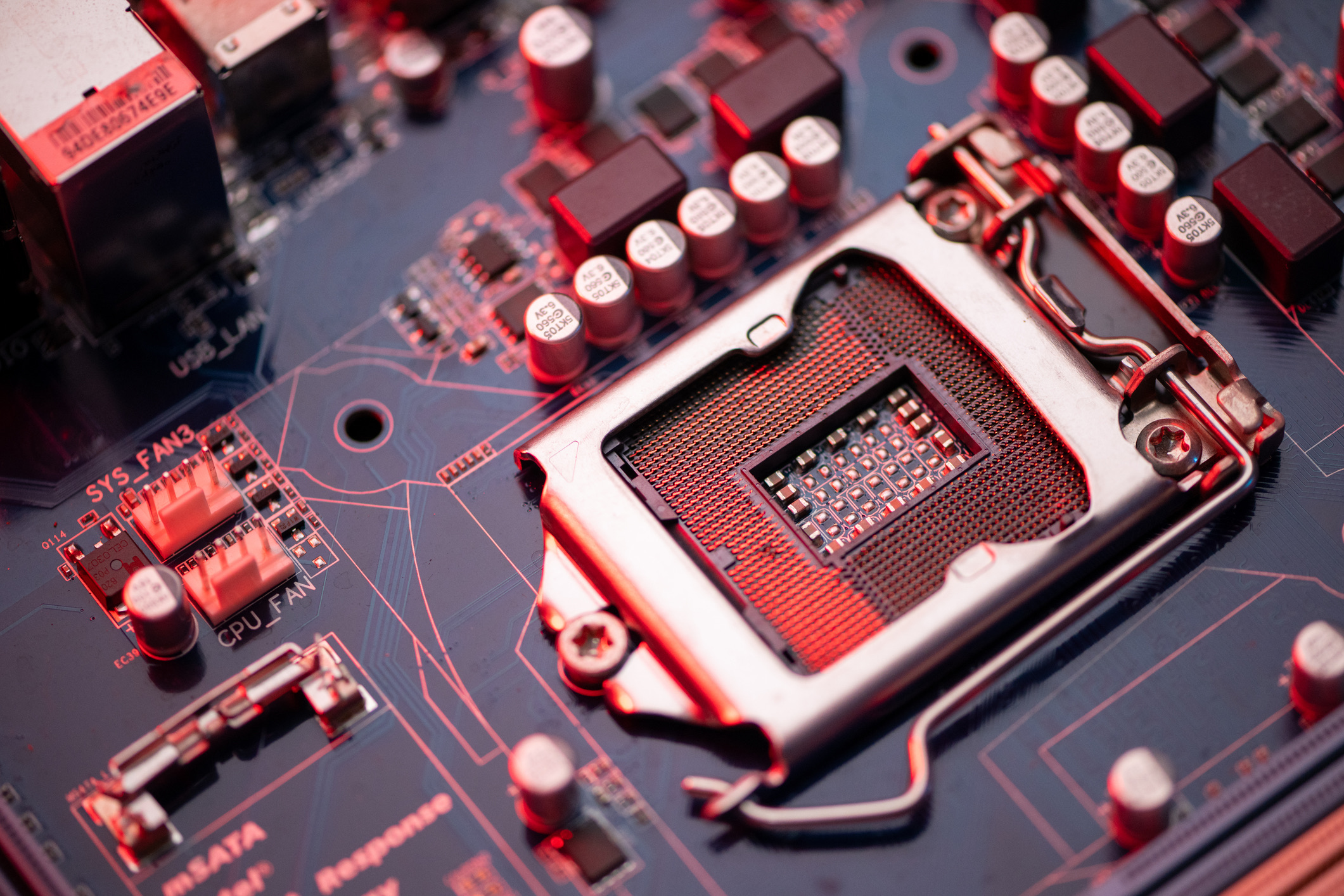
Mounting the CPU is quite simple: The lever attached to the CPU socket releases the CPU lock, enabling the user to insert the processor.
Warning: The AMD Athlon lacks a pin on two of its corners. The CPU can be inserted into its socket only if all pins are aligned correctly.
Stay On the Cutting Edge: Get the Tom's Hardware Newsletter
Get Tom's Hardware's best news and in-depth reviews, straight to your inbox.
Current page: Step By Step: Assembling The PC
Prev Page Modification Instructions: L1 Bridges Must Be Closed Next Page Processor, ContinuedTOPICS
1 Comment
Comment from the forums
-
God bless you Tom for this wonderful project.........it is indeed amazing.pls can we chat....chucklesReply