Two DRAM Sides Are Better Than One
As PC enthusiasts know, many modules of the same size come in both one- and two-sided versions. It's a good idea to buy double-sized modules whenever possible, because they have a built-in speed advantage over their single-sided brethren. In addition, there are now numerous Intel chipsets with DDR2 support under development that will treat both sides of a memory module together in a kind of RAID relationship. The resulting speed advantage is on the order of 2%, and was measured in the THG labs. In fact, using four single-sided memory modules doesn't help, and doesn't produce the same effect. By comparison with double-sided memory modules, measured performance actually decreases when using single-sided modules.

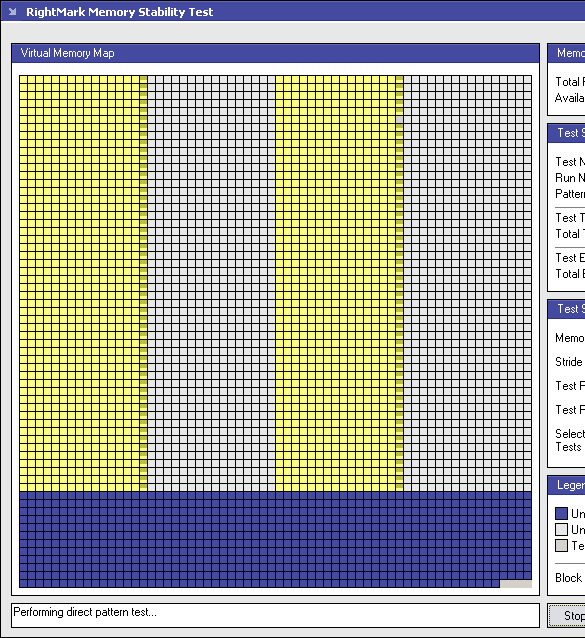
The chipset memory control works with two single-sided modules in dual-channel use.
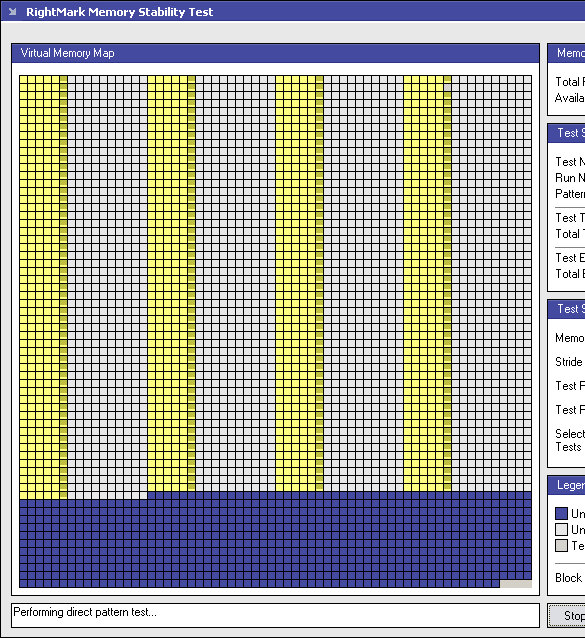

With two double-sided modules, the Intel chipset can actually run four sides (memory banks) in parallel.

An overview of speed improvements based on chip size and placement:
| Sides Speed (CL 5.0-5-5-15) FSB 1066 | |||
| Sides | Read | Write | Latency |
| 4 (2 Module) | 7320 MB/sec | 2157 MB/sec | 83.9 ns |
| 2 (2 Module) | 7225 MB/sec | 2118 MB/sec | 83.5 ns |
| 4 (4 Module) | 7058 MB/sec | 2093 MB/sec | 89.3 ns |
| 3 (3 Module) | 5130 MB/sec | 1698 MB/sec | 84.2 ns |
| 1 (1 Module) | 5123 MB/sec | 1672 MB/sec | 84.4 ns |
| Sides | Read | Write | Latency |
| 4 (2 Module) | 142.9% | 129.0% | 99.4% |
| 2 (2 Module) | 141.0% | 126.7% | 98.9% |
| 4 (4 module) | 137.8% | 125.2% | 105.8% |
| 3 (4 module) | 100.1% | 101.6% | 99.8% |
| 1 (1 module) | 100% | 100% | 100% |
It was also interesting to observe that double-sided 512 MB modules were slightly thinner although they were produced with 110-nm fab technology. However, this also results in a somewhat lower potential for overclocking. In any case, our measurements show that speed appears to be independent of the number of memory modules paired up on a motherboard. A PC enthusiast can therefore populate a motherboard with either 2 or 4 GB of DRAM, without really impacting performance.

Some DDR2 modules come with heatsinks attached. These only look good, because their memory chips use either 110-nm or 90-nm processes and don't need additional cooling.
