File Compression
WinRAR
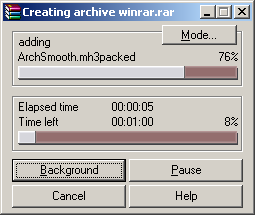
WinRAR by Alexander Roshal is a popular program for compressing files, either to store or to send.
| Software: | WinRAR (Alexander Roshal) |
| Version: | 3.42 |
| Installed size: | 3.3 M + 118 M workload |
| Benchmark duration: | Several minutes |
Installation
WinRAR is quick to install. Our workload consists of different file types and includes a 50 M database, which can be reduced very efficiently by a compression program such as WinRAR.

Settings
The only required setting change is to permanently select the maximum compression rate.
Benchmarking
Instead of running the program in the usual way by immediately compressing the files you want to compress, you instead mark the relevant folder or file, then right click and select the option Compress and Email to run the benchmark application. Once the compression process is complete, WinRAR produces a window asking for an e-mail address. This window also displays the duration of the compression process.
