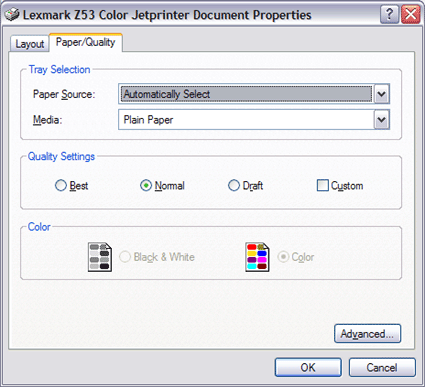
Compared to the rest of its rivals, the Z53 is slow. Its really weak spot is its speed for color compound documents, where it is 2 to 4 times slower than the rest.
Note: Windows XP automatically recognizes and installs the Z53.
** Thanks it works ** I had the same problem before and now I have solved it by reinstalling the drivers, because might be drivers are not installed properly or installed wrong drivers. Finally I got my printer worked Setps 1. Uninstall the printer drivers by Revo Unistaller Tool, that will uninstall drivers from registry as well. 2. Reinstall the exact drivers. Drivers Download Link printer-driver-download.us/tag/hp-deskjet-990/
** Thanks it works ** I had the same problem before and now I have solved it by reinstalling the drivers, because might be drivers are not installed properly or installed wrong drivers. Finally I got my printer worked Setps 1. Uninstall the printer drivers by Revo Unistaller Tool, that will uninstall drivers from registry as well. 2. Reinstall the exact drivers. Drivers Download Link
** Thanks it works **
I had the same problem before and now I have solved it by reinstalling the drivers, because might be drivers are not installed properly or installed wrong drivers. Finally I got my printer worked
Setps
1. Uninstall the printer drivers by Revo Unistaller Tool, that will uninstall drivers from registry as well.
2. Reinstall the exact drivers.
Drivers Download Link
printer-driver-download.us/tag/hp-deskjet-990/
** Thanks it works **
I had the same problem before and now I have solved it by reinstalling the drivers, because might be drivers are not installed properly or installed wrong drivers. Finally I got my printer worked
Setps
1. Uninstall the printer drivers by Revo Unistaller Tool, that will uninstall drivers from registry as well.
2. Reinstall the exact drivers.
Drivers Download Link