Join for quick access. Enter your email below and we'll send confirmation plus sign you up to our newsletter.
By submitting your information, you confirm you are aged 16 or over,
have read our
Privacy Policy
and agree to the
Terms & Conditions. Geographical rules apply.
Stay On the Cutting Edge: Get the Tom's Hardware Newsletter
Get Tom's Hardware's best news and in-depth reviews, straight to your inbox.
You are now subscribed
Your newsletter sign-up was successful
Join the club
Get full access to premium articles, exclusive features and a growing list of member rewards.
An account already exists for this email address, please log in.
Your first task in preparing for a BPOS deployment is to ensure platform compatibility with all client devices. On the software side, the operating system is simple enough: Windows XP (Professional or Tablet Edition, both SP2), Windows Vista (Business, Enterprise, Ultimate, or Home, all SP1), or MacOS X 10.5. (For those curious about domain attachment under Vista Home, BPOS doesn’t sync its login and password with the Windows Domain, keeping authentication separate from the OS.) You’ll also need to have Microsoft .NET Framework 3.0 on Windows systems and Java client 1.4.2 or newer on Macs.
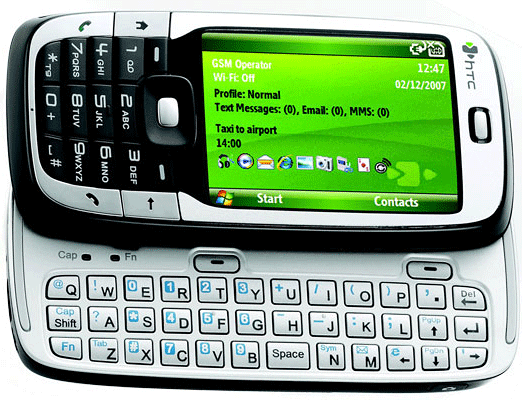
For browsers, Microsoft recommends at least Internet Explorer 7, Safari 3.1.2 (on OS X), or Firefox 3, although Firefox won’t support the Microsoft Online Services Sign In tool. Email clients must be Outlook 2007 or Entourage 2008, and the platform supports Windows Mobile 6, Nokia E and N series, and iPhone (firmware 2.0) handsets. For hardware, practically any system made in the last five years will do. All you need for Vista is a machine with at least a 1 GHz Pentium and 1GB of RAM, and for Windows XP you’ll want at least a 500 MHz Pentium and 256MB of RAM.
That’s the easy part. Now, if your company employs a firewall or proxy server, you’ll likely have some port tweaking to do, so we recommend you consult the TechNet document. Scroll down this page and you’ll also find a description of how to compute the network bandwidth required by different BPOS applications. For medium or larger companies, this can be a serious consideration since all of the network traffic for messaging that had previously been confined to the high-speed LAN is now going to flow through gateways and over slower conduits into the Internet cloud.
The good news is that you probably don’t need to assess your full bandwidth needs right out of the gate. Very few businesses decide to turn their entire operation over to BPOS en masse on day one. A more likely course would be to take a large workgroup or division and start them on BPOS, learn from their deployment and usage, then expand the installation base in stages.
If you’re still undecided about BPOS and what it will require from you in terms of management, give the 30-day free trial a spin. You can get a full-featured, 20-license, totally no-charge eval from mocp.microsoftonline.com.
Stay On the Cutting Edge: Get the Tom's Hardware Newsletter
Get Tom's Hardware's best news and in-depth reviews, straight to your inbox.
vfmainHere is free replacement: http://www.officesip.com/messenger.htmlThanks! I was looking into setting up a IM system at work, but didn't want to allow users the ability to connect to the other major networks (MSN, ICQ, etc.)
would this be a good platform to migrate to if the shop is already running SBS2003? Does this system include licenses for Word, Excel, ppt? Is Outlook only web-based? Do you upload your data shares from SBS2003 to the cloud?