Installation
Installation requires completing only three simple steps:
- Installing Skype
- Setting up a Skype account
- Installing the IP-700m software
All necessary software is included on a CD packaged with the handset. Drop this into your optical drive, and its Autostart function jump-starts installation on your behalf.
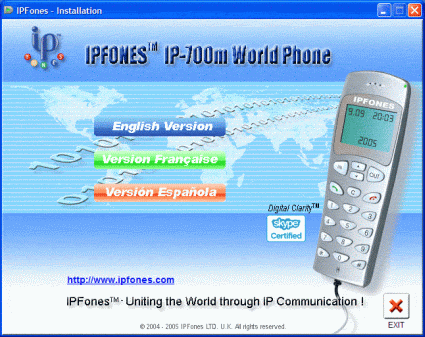
Parlez-vous Français?

After choosing the language for the installation program and the software it loads, an installation Wizard appears to lead you through the process step by step. Instructing the program to install Skype makes the installer seek a newer version of the Skype software from the company website. This prevents potential dangers from occurring when older versions of software are used by mistake.
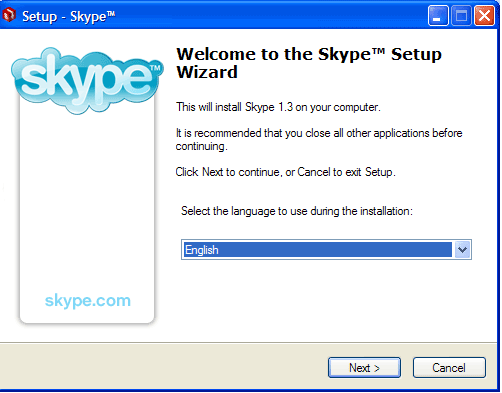
A couple of mouse clicks, and ...
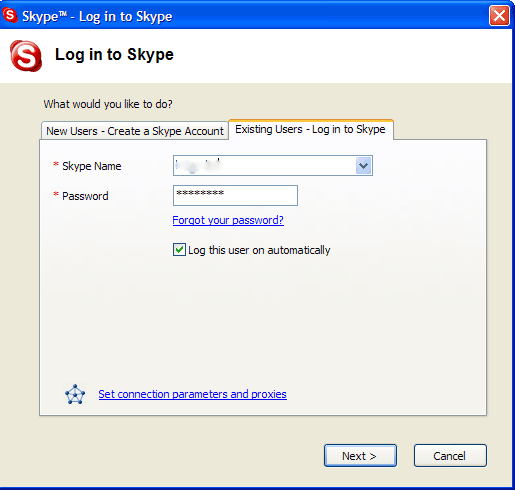
...a couple of quick bits of account data, and ...
Once you've downloaded the latest version of Skype, it's simple to fire off the setup file. After three clicks, the software is completely installed. Those who already have Skype user accounts can use them immediately to log in; new users must elect the "Create a New Account" option to set themselves up first.
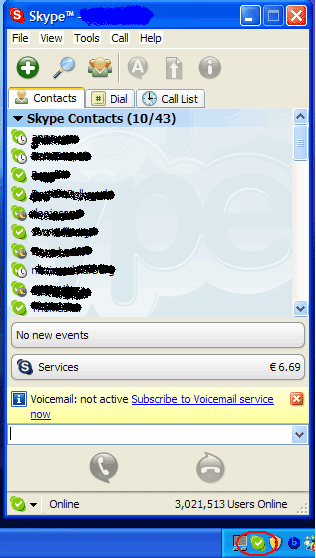
...you're logged in, ready to start making (or receiving) calls.