









Swipe to scroll horizontally
| 1. CPU socket | 2. Chipset | 3. DIMM/RAM slots |
| 4. PCIe x16 slot | 5. PCI x1 slot | 6. M.2 connector |
| 7. SATA ports | 8. Front panel connectors | 9. USB 2. header |
| 10. USB 3.1 Gen1 header | 11. USB 3.1 Gen2 header | 12. ATX power connector |
| 13. CPU power connector | 14. BIOS chips | 15. CMOS battery |
| 16. Fan headers | 17. Front panel header | 18. VRM heatsink |
| 19. COM/Serial header | 20. TPM header | 21. RGB header |
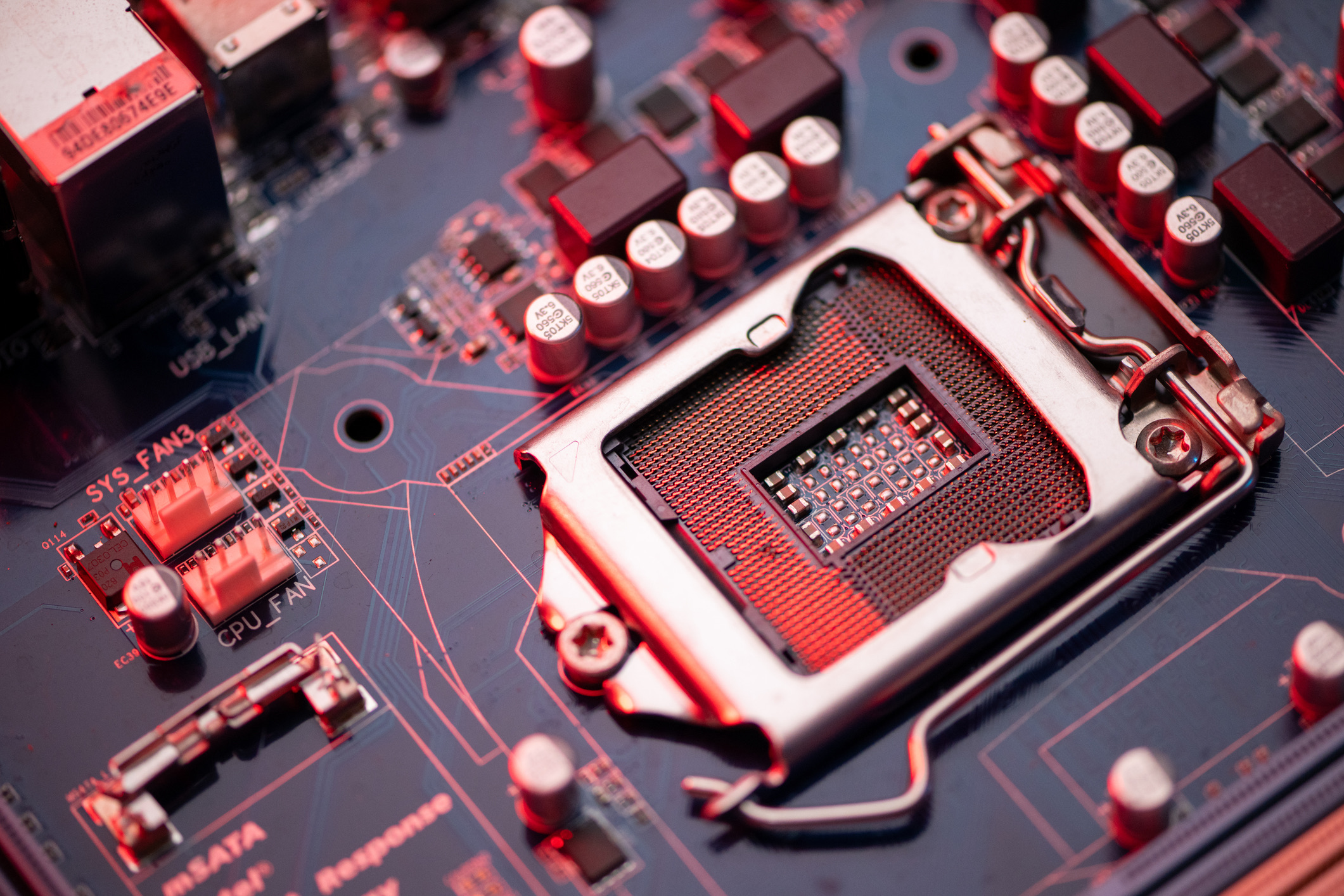
The motherboard is where a PC’s CPU, input/output (I/O) and memory connectors live. Above you’ll find a diagram of a typical motherboard and its corresponding parts.
Note that motherboards vary in appearance and available ports and connectors, and things like fan headers, M.2 connectors and the BIOS battery are found in different places depending on your motherboard.
Most motherboards come in one of three sizes:
- ATX - Measures 12 x 9.625 inches. This is the standard and biggest. As such, it’s the best choice for features and expansion.
- Micro-ATX - Measures 9.625 x 9.625 inches.
- Mini-ITX - Measures 6.75 x 6.75 inches. The smallest option. Used in compact PCs.
This article is part of the Tom's Hardware Glossary.
Further reading:
TOPICS
