

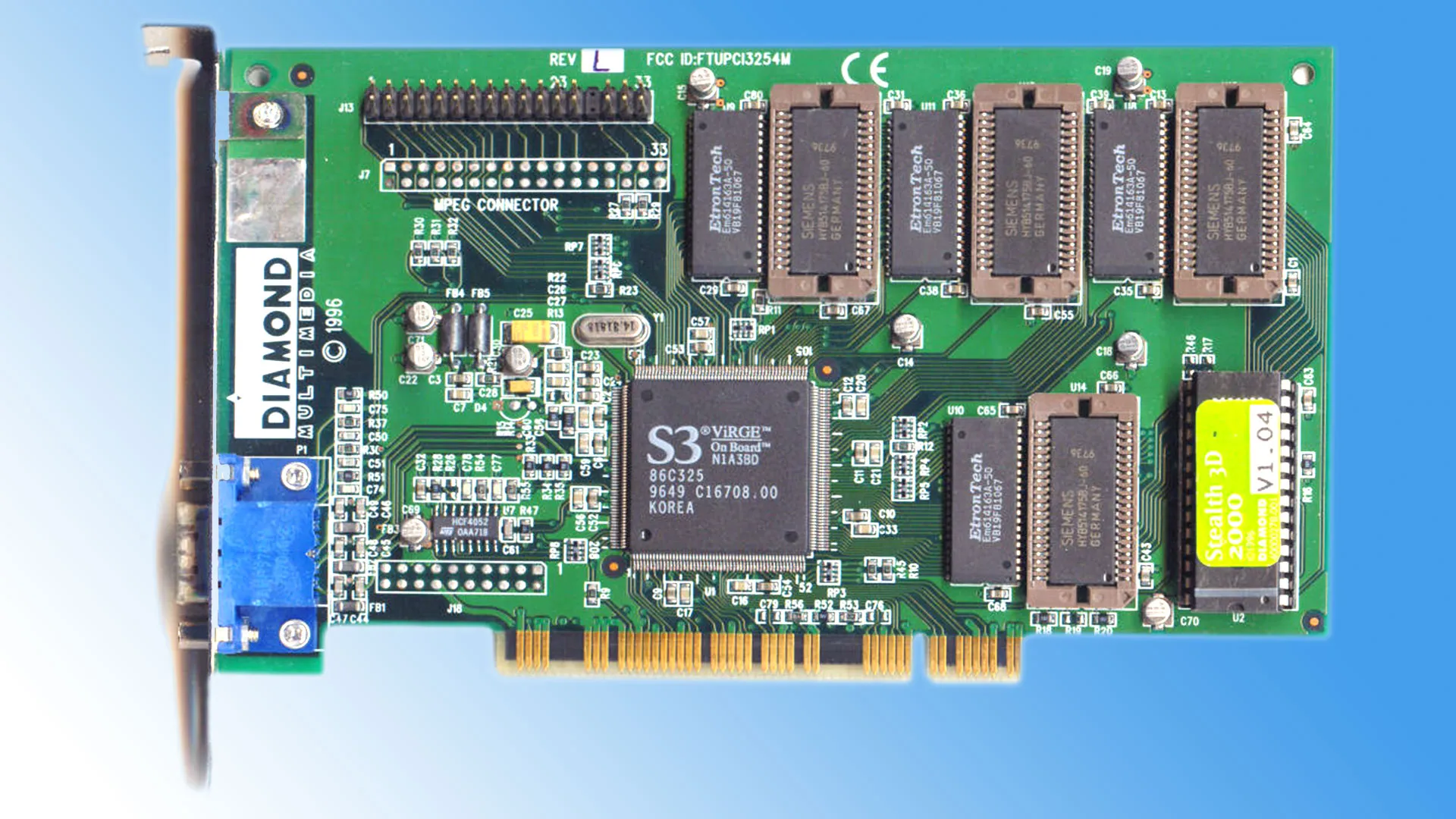
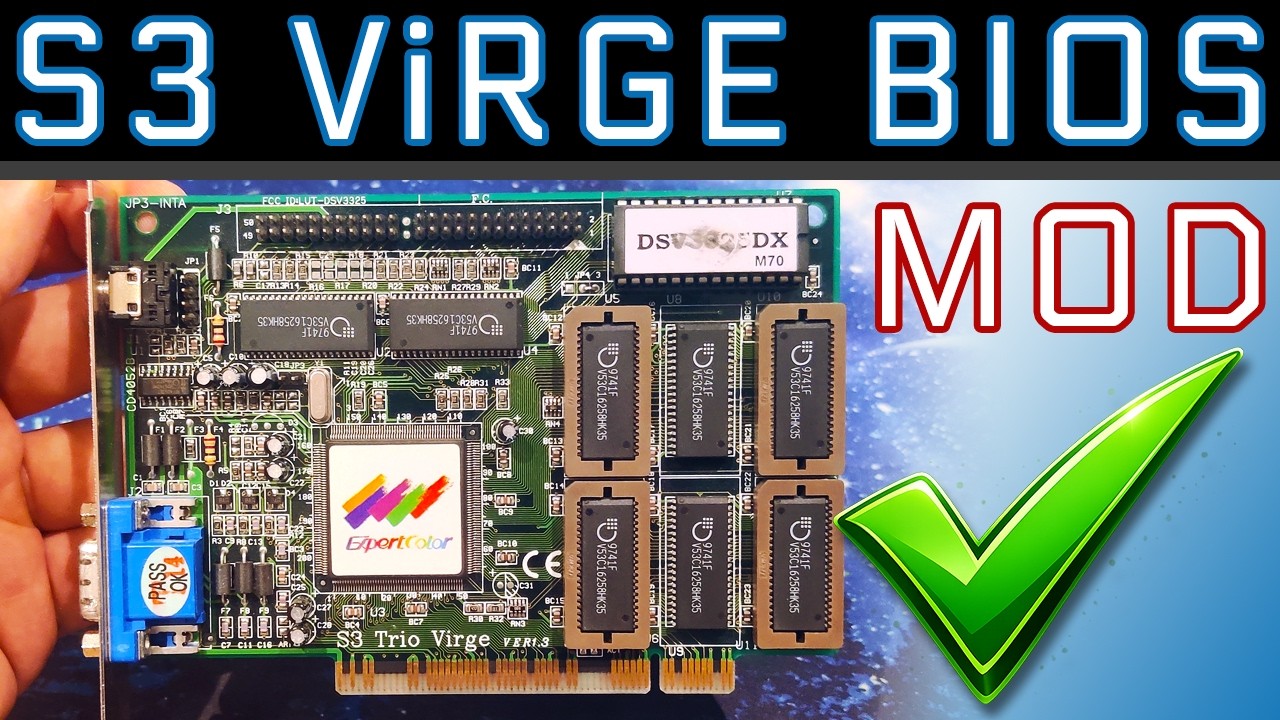
A retro hardware enthusiast has demonstrated a fix that eliminates the washed-out appearance people can have with 1990s graphics cards from S3. In a recent video, Bits und Bolts (BuB) worked on an S3 Virge DX 4MB graphics card (1985-6) to investigate and neuter the ‘pedestal bit.’ This feature of the card’s VBIOS makes the darkest blacks more like charcoal, a highly undesirable feature if used to drive a good-quality monitor.
Before we go on, here’s a refresher regarding the pedestal bit, which was a bug/feature of S3 cards such as the headlining Virge, Trio, and some early Savage family models.
In its wisdom, S3 decided to raise the black levels to a dark gray in VBIOS so imagery wouldn’t be too dark for old CRTs, particularly those that adhered to the NTSC standard. So, this raising of black to dark gray is the so-called pedestal. It was implemented in the era’s graphics cards in VBIOS, by setting full black to a higher value. As you will see later, TechTuber BuB notes the original bit was set as 3F, but the fixed version replaces that hexadecimal value with 1F at a certain point in the VBIOS code.

BuB explains that the pedestal bit is set in the BIOS when the system boots up. So, affected systems show blacks that are a bit too bright (bright black?) immediately starting from boot time.
The TechTuber breaks down this pedestal bit fix into a number of logical steps. Firstly, a debugger is used to poke around and find the address and code where the bit in question resides. Thanks to some prior experience with prior graphics cards and in some community discussions, BuB isn’t searching blind.
In the debugger, the TechTuber tracked down his first target address and checked what values were there using Windows Calculator’s hex-to-binary converter. This first shot at editing the code live in the debugger, changing the probed values to zero (black), resulted in nothing happening.
Second shot hits the target
A second shot, targeting debug at 3c4 address 1a hit the target. When the value at this address was set to zero, the background went darker immediately. To check, BuB reset it back to the old values, confirming that one of the eight bits edited was the pedestal bit. Another bit of elimination work was needed to determine which one of the eight was the actual pedestal bit, but NuB was lucky the first time.
So, the tricky investigation work had been completed; now it was time to dump the VBIOS to a file, make the tweaks that had been found to work, and write it back to the hardware.
A tool called NSSI was used for the dumping. BuB then opened the freshly dumped Virge VBIOS in Hiew (HEX view, or Hacker’s view?). But when searching for the code, he found two matches in the assembly. Again, using the HEX to binary converter in Calc, he found the original pedestal bit and edited it. He modified this single hexadecimal entry from 20 to 00.
With this pedestal bit-zapping work done, the VBOIS checksum needed changing to ensure it wasn’t rejected as being corrupt. This step was demonstrated in DOS and in a friendlier Windows tool. In short, the old checksum was 77 and the new one 97 (both hex numbers).
Now the successfully edited VBIOS was flashed to a chip. BuB swapped the existing VBIOS chip with the modified one. It booted with a glorious, deep black background the first time.
Returning to the debugger, not that he needed to, BuB checked the address, which was previously 3F, and indeed it was now 1F – pedestal bit elimination confirmed. The TechTuber indicates that the same procedure should be usable across any Virge DX model. A neat solution to a 30-year-old gray problem.

Follow Tom's Hardware on Google News, or add us as a preferred source, to get our latest news, analysis, & reviews in your feeds.