Nvidia nForce 680i SLI MCP
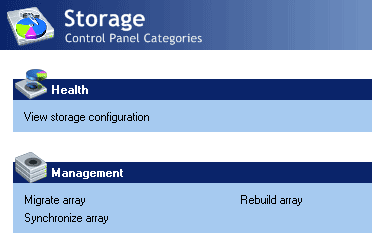
Nvidia’s utility software is straightforward.
Nvidia’s nForce 680i SLI chipset for Intel processors is currently the ultimate platform for Core 2 Duo, Core 2 Quad and Core 2 Extreme processors. It offers two full-bandwidth x16 PCI Express slots for maximum graphics performance using two graphic cards. It also supports an FSB1333 bus speed (compatible CPUs will hit the market in mid 2007) and offers more functionality than any other chipset currently available. Intel’s P965 chipset is the better option for business users, though, since it is more affordable, offers more balanced USB 2.0 performance and allows for better RAID performance.
With the nForce 680i SLI we were not able to switch from a single hard drive to simple RAID mode. Nvidia’s chipsets usually require you to activate RAID support in BIOS and turn RAID support for every single port on or off. Basically, this activates the AHCI mode for each port.

Nvidia offers extensive migration options. Contrary to Intel, it is even possible to transfer a RAID 5 array into several other configurations. However, we were unable to migrate to RAID from a single hard drive.
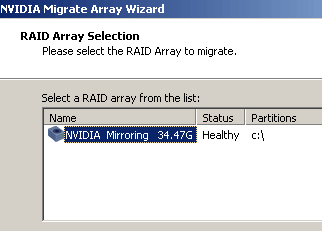
After you chose the option "migrate array" you need to select the RAID array first.
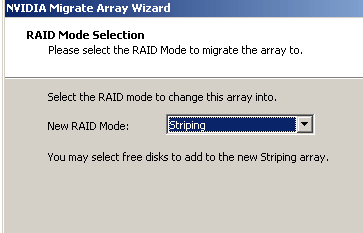
Next, you choose the new RAID mode. Nvidia axed the RAID level denotation; what you get is a dropdown menu with plaintext information instead.
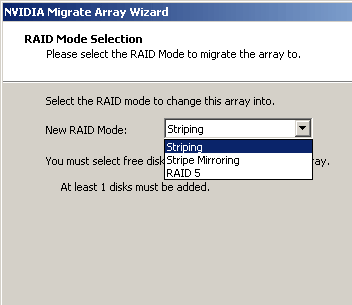
Users can pick which hard drives they want within the final RAID array.
