









Multi-Button Jog & Shuttle Control: Contour Design Shuttle Pro 2
Introduction

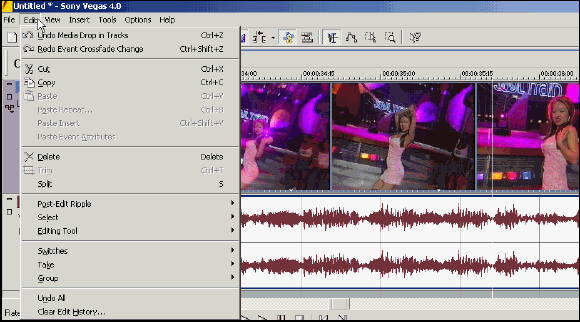
Video editors have to memorize many keyboard shortcuts, but Contour Design's Shuttle Pro 2 helps to change that.
In order to save time, video editors have traditionally memorized dozens of keyboard shortcuts for functions such as cut, paste and ripple edits. While the shortcuts save time, they also interrupt the workflow by making the editor move his or her hands from the mouse to the keyboard. But now, Contour Design says its Shuttle Pro 2 controller eliminates this disruptive process.
Get Tom's Hardware's best news and in-depth reviews, straight to your inbox.
Humphrey Cheung was a senior editor at Tom's Hardware, covering a range of topics on computing and consumer electronics. You can find more of his work in many major publications, including CNN and FOX, to name a few.