Join for quick access. Enter your email below and we'll send confirmation plus sign you up to our newsletter.
By submitting your information, you confirm you are aged 16 or over,
have read our
Privacy Policy
and agree to the
Terms & Conditions. Geographical rules apply.
Stay On the Cutting Edge: Get the Tom's Hardware Newsletter
Get Tom's Hardware's best news and in-depth reviews, straight to your inbox.
You are now subscribed
Your newsletter sign-up was successful
Join the club
Get full access to premium articles, exclusive features and a growing list of member rewards.
An account already exists for this email address, please log in.
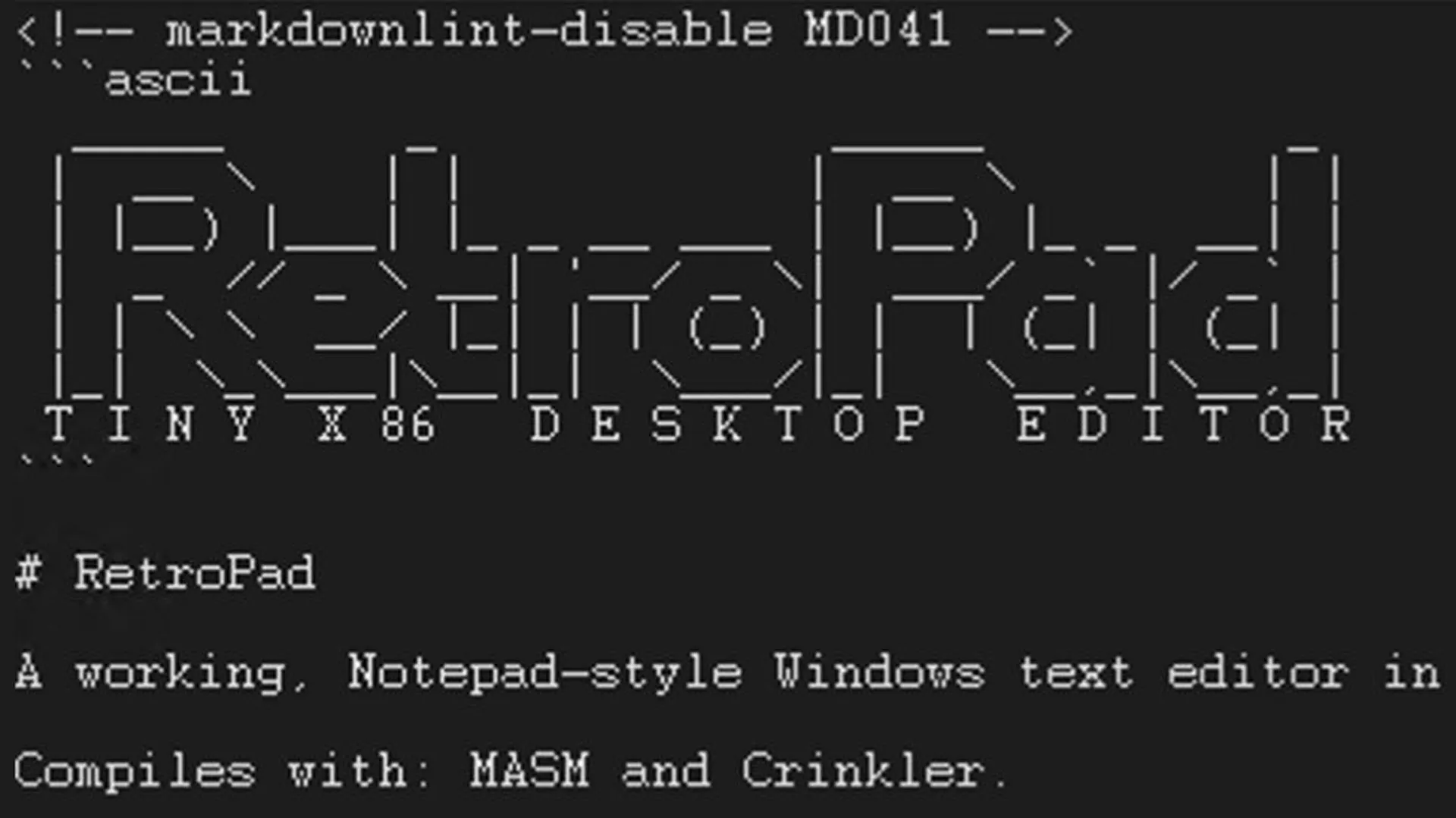
RetroPad is a ‘full-feature-parity version of Notepad from XP’ in just 2,749 bytes — x86 assembly coded apps comes from Windows legend Dave W Plummer
A “full-feature-parity version of Notepad” has been written in x86 assembly and it weighs in at just 2,749 bytes. Windows legend Dave W. Plummer is (inevitably) the coder behind this efficiency tour de force, and he’s made RetroPad available (code and exe) on his GitHub under the Apache 2.0 license.
I managed to get RetroPad, my full-feature-parity version of Notepad from XP, down to 2686 bytes of tight x86 assembly. I checked in the exe to make life simpler, so you don't need masm on hand!Episode coming shortly... follow so you don't miss it!Code:… pic.twitter.com/l1LudreFQrJune 4, 2026
Plummer announced this latest release of RetroPad on Thursday, describing it as a feature-for-feature match of the version of Notepad that shipped with Windows XP. That’s impressive enough in 2.7KB, rather than an app of about 65KB. However, Plummer’s work rate is such that he’s since added optional line numbers and a dark mode. He also decided to add “all of the Notepad keyboard shortcuts” on Saturday which added a few bytes. It won’t be long until there’s an accompanying YouTube video for a deeper dive into RetroPad, but for now we have the GitHub notes.
I added all of the Notepad keyboard shortcuts to TinyRetroPad, which "ballooned" it out to 2794 bytes!If you can spot anything where I don't have full feature parity with XP Notepad, please let me know... or just fix it! I also recently added optional line numbers and Dark… pic.twitter.com/2R3OJFhEfrJune 6, 2026
A few hours ago Plummer also added the trpad.exe to GitHub, so folks who don’t want to run the code through MASM/Crinkler can just download and run this little utility. The version of trpad.exe available on GitHub wouldn’t run on my Windows 11 laptop, though.
Windows bloat has become so bad that even Microsoft noticed. Earlier this year, Microsoft promised to go back and get the basics right, things like File Explorer, the Taskbar, and other Windows staples were going to get some tuning and polish. This was a much-needed initiative, but was precipitated by a tone-deaf exec post about the operating system “evolving into an agentic OS.”
The puffing up of Notepad is a fascinating case study in Windows bloat. As mentioned previously, the Windows XP era Notepad was approximately 65KB, not much more than Windows 9X releases (~50KB). According to a web search notepad.exe would grow to around 190KB to 200KB for the Windows 7 to 10 eras.
Windows 11 is a bit different, though. The notepad.exe in my current Windows 11 install appears to weigh in at 352KB but according to the Windows Control Panel, the install size is 808KB. Looking even deeper at this, and it seems like the moderately sized .exe file is just a ‘stub’ or ‘bootstrapper’ app to point to a UWP/WinUI app that is about 5MB in size. That’s where Microsoft has stuffed all the recently added features like spell check, autosave, multiple tabs, and Copilot writing tools.
Mark Tyson is a news editor at Tom's Hardware. He enjoys covering the full breadth of PC tech; from business and semiconductor design to products approaching the edge of reason.
I've read somewhere that the original Notepad would have been not much more than a wrapper around MS-Windows' built-in text editor widget. In other words, most of the editor was not in the .EXE but in a system DLL.