A Windows Desktop In Your Pocket
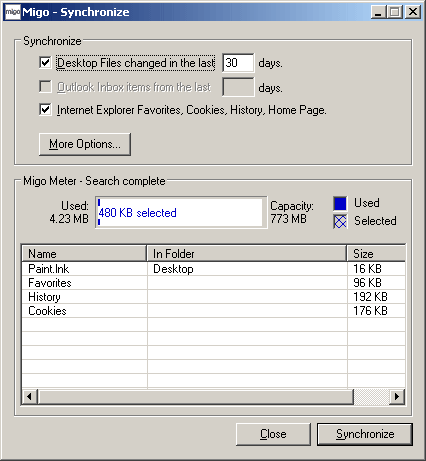
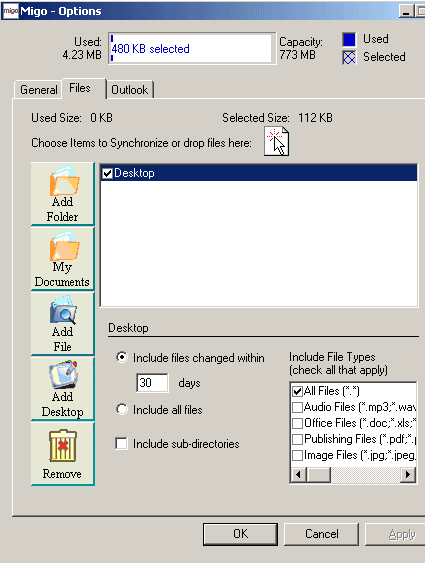
The second program bundled with the Kingston flash drive is called Migo. It's designed to snapshot all Explorer-related installation and configuration data onto the flash drive, and to make that information available on another Windows computer. The Migo software handles favorites, cookies, and even the Outlook Inbox, and automatically synchronizes the flash drive and your desktop. In addition, users can elect to attach specific folders of their choosing to the flash disk.
In our testing, this capability worked surprisingly well. In its marketing literature, Kingston mentions that certain foreign service workers no longer travel with notebooks - they only tote a Kingston flash drive with the Migo software instead. This is an interesting and money-saving idea, but one that must be carefully thought through first.