Download the Tom's Hardware App from the App Store
The reference for current tech news
Yes No
Signin with

Epson Stylus Photo 820, Continued

by

Now to office document printing. The Stylus Photo 820 is a notch lower than its rivals. On standard paper, the print runs a bit, the characters lack precision and those integrated into illustrations (captions, headings, etc.) are often fuzzy. And there are noticeable jagged edges on special characters. This is especially noticeable when rather unusual, bold or large fonts are used, and even just on caps.

In short, this is a printer for photo mode. If you need to use a device regularly for office work, you'd be better off choosing another model with higher performance, or else a spare printer. Why not a little personal laser?
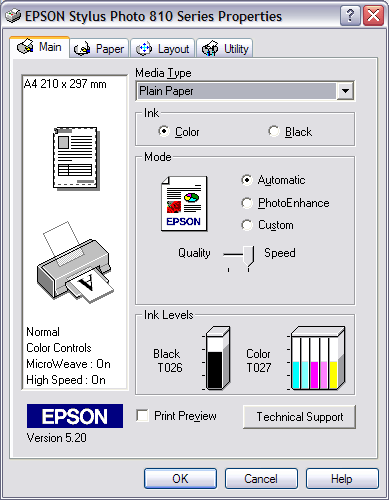
Epson Stylus Photo 820: Print Examples

Share:
2
Comments
X
Submit

Comments
leomartintsa 03/20/2013 10:08 PM
Hide
-0+

** Thanks it works **
I had the same problem before and now I have solved it by reinstalling the drivers, because might be drivers are not installed properly or installed wrong drivers. Finally I got my printer worked
Setps
1. Uninstall the printer drivers by Revo Unistaller Tool, that will uninstall drivers from registry as well.
2. Reinstall the exact drivers.
Drivers Download Link
printer-driver-download.us/tag/hp-deskjet-990/

leomartintsa 03/20/2013 10:13 PM
Hide
-0+

** Thanks it works **
I had the same problem before and now I have solved it by reinstalling the drivers, because might be drivers are not installed properly or installed wrong drivers. Finally I got my printer worked
Setps
1. Uninstall the printer drivers by Revo Unistaller Tool, that will uninstall drivers from registry as well.
2. Reinstall the exact drivers.
Drivers Download Link

Best offers

All about Printers

Newsletters


OK