Gigabyte's Dual BIOS Tradition

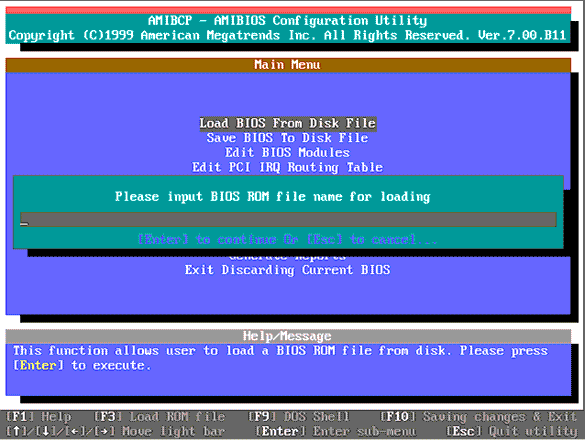
Flash tool in an AMI BIOS
Every motherboard can be destroyed through improper flashing of the BIOS, or through manual modifications of the flash file. In such a situation, the either the BIOS cannot be loaded without errors, or invalid settings are assigned to the components. For this reason, some manufacturers, such as Gigabyte, offer a dual BIOS function with many of their motherboards.
Dual BIOS In Detail
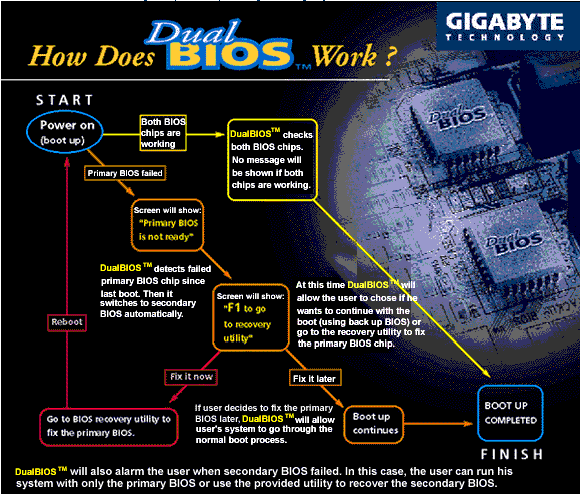
This is how Dual BIOS works with Gigabyte.

If the first "normal" flash BIOS is damaged, then a function built into the Gigabyte board checks to see if the BIOS starts correctly or not. If BIOS does not start correctly, then the motherboard automatically switches over to the backup BIOS. This gives you the possibility of overwriting the damaged flash BIOS and initiating a new startup process.