The Windows98-Driver Of The Creative Labs Annihilator, Continued
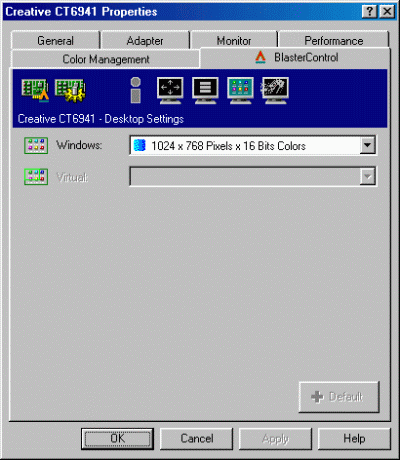
This screen offers the same functionality as the standard windows desktop settings except that you can change the desktop color and resolution settings at the same time vs. having to set resolution and color separately.
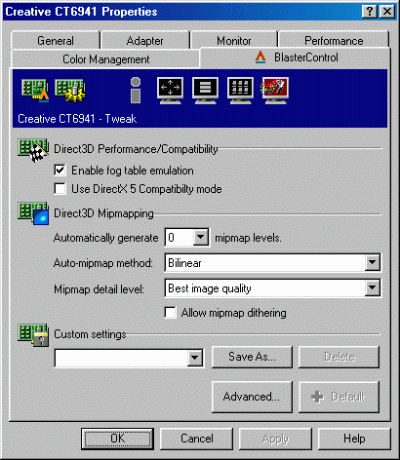
Here's where we're getting to the more sophisticated stuff. We can change some generic settings in this window but the advanced button is where we'll dig into some of the more interesting options.
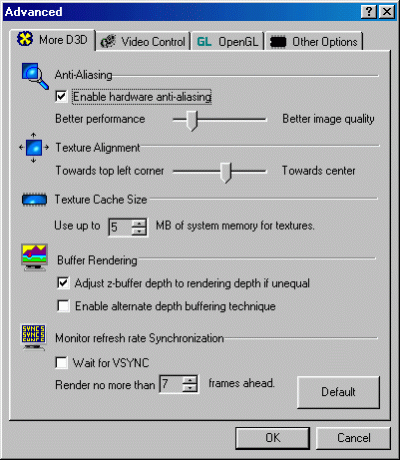
Here you have all the advanced DirectX adjustments that you may want to adjust. Notice that Creative Labs actually provide a 'Disable-VSYNC'-option for D3D-based games.

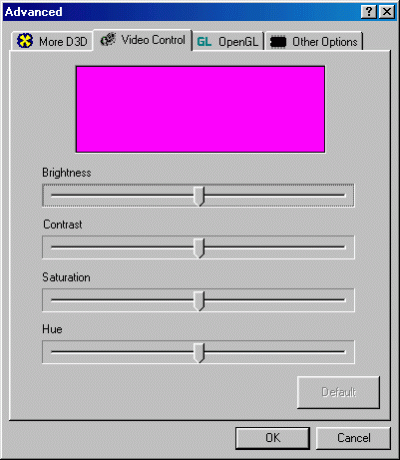
In the Video Control tab, you have the ability to adjust output video but for what, I have no clue since there is no video out capabilities on this board. I tried to see if this settings effected D3D or OpenGL games but it didn't.