Connecting Other Bluetooth Devices
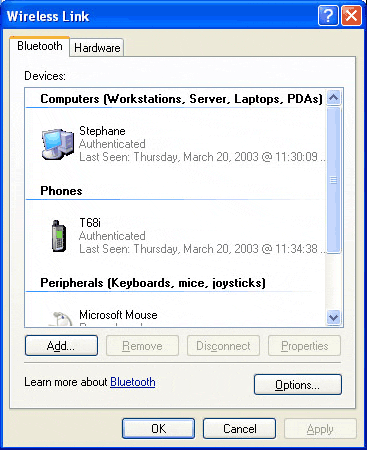
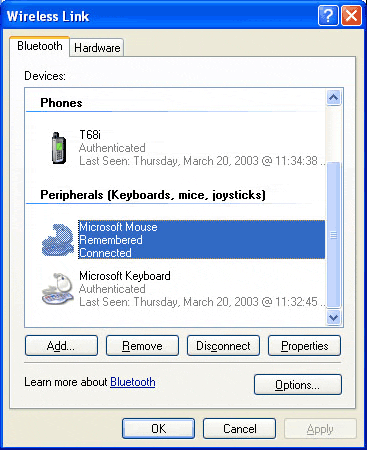
The main advantage of this Bluetooth keyboard and mouse set is that it can connect to up to seven other Bluetooth devices at the same time. We should first reiterate that Bluetooth connection is not as easy as they claim. Getting two devices to communicate is a challenge to your ingenuity and your nervous system. The system is as follows: each device must be in detection mode, and then both have to detect automatically. With the set in question, it is best to run detection from the PC. Once the device has been detected, a code is allocated for protection and identification. This action sometimes has to be repeated on the device you want to connect. The devices most likely to have Bluetooth are cell phones, laptops and PDAs. So, these are what we tested. We also tried out a Bluetooth printer.
We ran our tests on a Sony Ericsson T68i phone, a Palm Tungsten T PDA, a Bluetooth laptop (Toshiba Satellite 5200-701) and an HP Deskjet 450 printer fitted with a small, optional Bluetooth card.