Problem Solved The Wrong Way Round
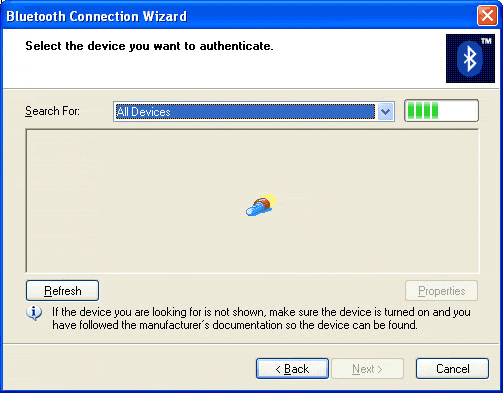
Not only is installation like this rather user-unfriendly, it also causes definite drawbacks. If you have a laptop equipped with Bluetooth, it would be nice to use the keyboard and mouse without having to use the sensor, which could stay on the desktop computer. Well, you can't. It doesn't work. We tried with a Toshiba laptop, and found ourselves with a driver going around in circles. The Toshiba does indeed detect the mouse and keyboard, but no way will you be able to give them an authentication code. So we tried to install the mouse or keyboard driver, but were relentlessly sent back to the Microsoft receiver connection, and that was that.
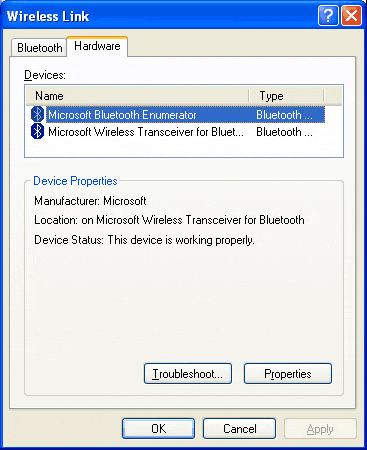
It's a great shame this option has been excluded. The procedure is tiresome, even on the computer fitted with the Microsoft set receiver. You might very well only want to connect the sensor and not the keyboard or mouse on a laptop, for example, to transfer data to another device. It can be done, but you have to install the mouse as well. And there is no shortcut and no program to give you direct access to the Bluetooth functions for detecting other devices, and not a word about it in the skimpy documentation. You have to figure out for yourself if the icon you need is in the control panel, and then you have to find out how it works.