Test Configuration: Audio And Data CDs

We carried out the data and audio tests with the test CDs.
We conducted the comparative tests of all four burners in basically the same environment. The most important tests deal with the devices' suitability for practical use, which is also the ultimate criterion for any user interested in purchasing a burner. First we examined the digital audio extraction function (DAE) to find out the maximum read speed that could be attained without errors. DAE is interesting for those users who want to convert audio files to the space-saving MP3 format later on. The recommended devices have no limitations on read speed.
Another criterion of the test was the maximum burn speed. Although this is physically predetermined, not every burner is able to handle the various types of blank CDs effortlessly.

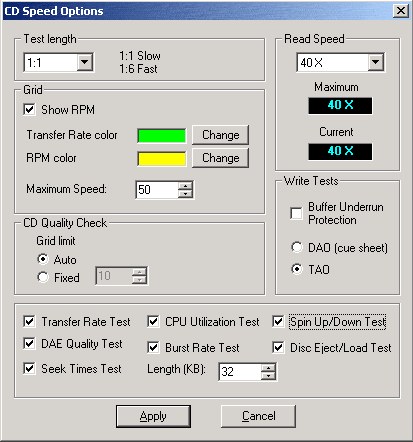
The CD speed test application.
Access time is important when the burner is used as a CD-ROM drive for the installation of applications. In the mid-range, access time should not be more than 250 ms.
Furthermore, we took into account the times it took to achieve various tasks, such as mounting time, opening and closing of the drive drawer or the time needed to recognise a CD.
The two CDs shown were used as test CDs.
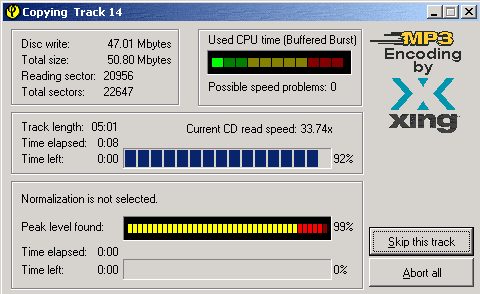
Fast MP3 encoding: DAE - digital audio extraction - with the aid of the Xing encoder.