Power And Energy Features
Vista's energy management is more sophisticated than XP's, and is based on so called "power plans". Microsoft specifies three plans: balanced, power saver and high performance.
Power Plans

All plans can be adjusted, and new plans can be created. Compared to Windows XP, everything is cleaner, and you can customize the power settings better. Also, the function of the Start Menu and the real power buttons can be adjusted.
The new Sleep state in Windows Vista combines the speed of conventional standby mode with the data protection features and low power consumption of hibernation mode. Sleep mode behavior is different in desktops and notebooks:

- Desktops
The Data is saved in RAM like standby under XP, and also to the hard drive like hibernation under XP. - Notebooks
If you don't disconnect the system from the power, the mode starts out like being in standby mode. If disconnected (running on battery), the system starts like in hibernation mode and takes a bit longer.
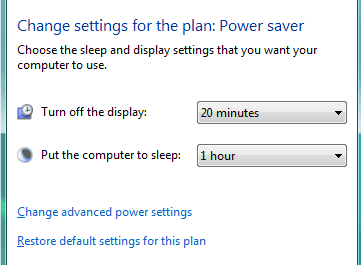
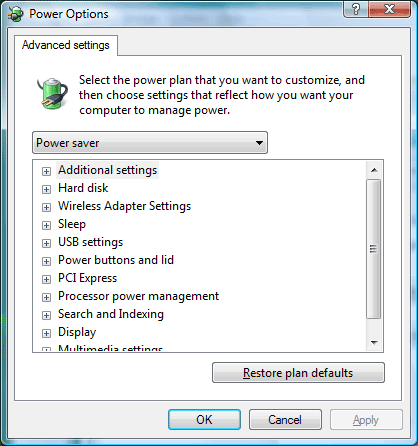
Vista allows for much better customization of energy options.
TOPICS
