KeePass Configuration
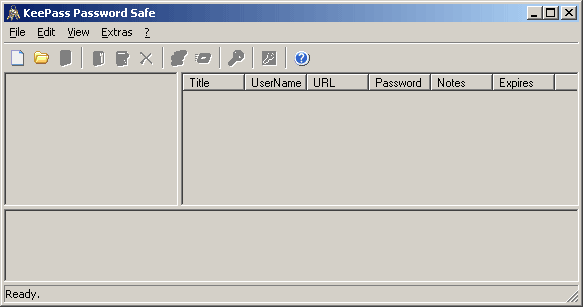
The main window gives access to the options and password creation menus. It also lets you begin loading or creating password databases.
The following screenshots display KeePass configuration options. All settings that are chosen in KeePass are stored in a KeePass.ini file. There is, however, no vital data stored inside this file.
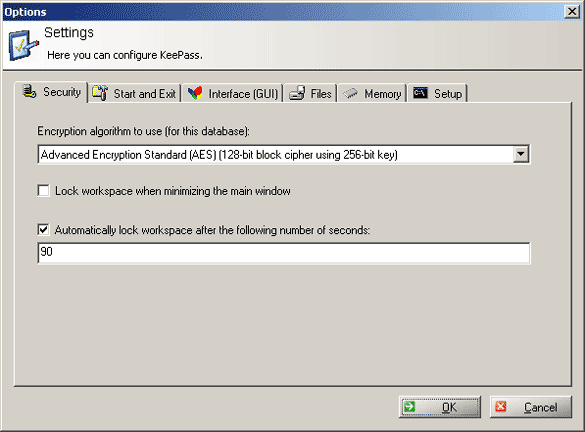
The security settings tab allows the encryption algorithm and some general precaution features to be enabled.

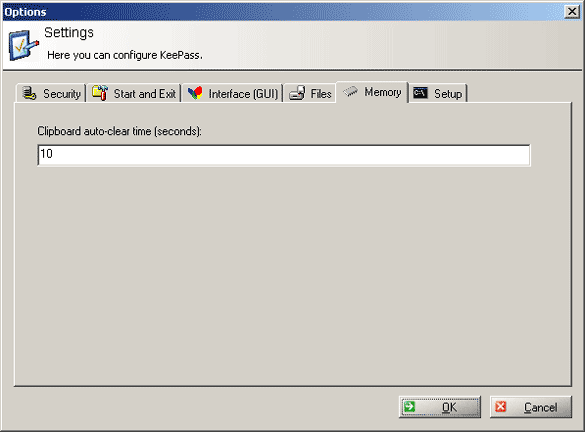
Since it is possible to copy passwords to the clipboard by double-clicking them, you can define the retention period here.
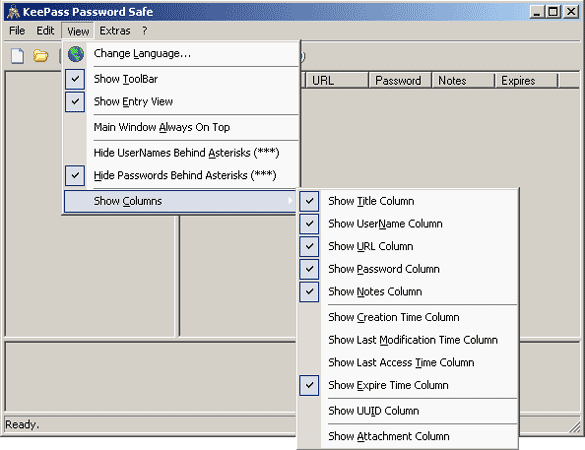
A nice security feature is the option to hide all passwords behind asterisks. KeePass also offers different language schemes for download.
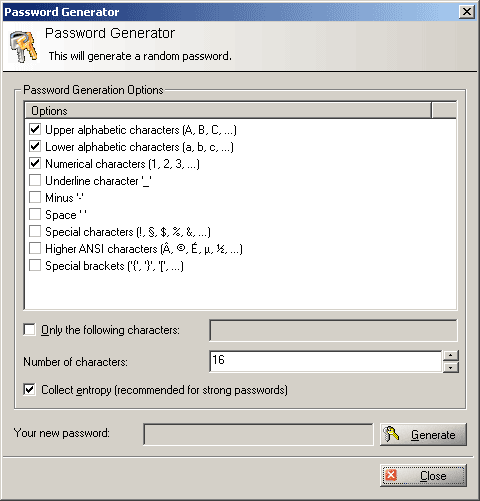
The password generator is a useful utility if you need to create passwords frequently. As you can see, it is highly customizable.
