Remote Bloat

We will be the last to say that a living room packed with an LCD TV, video projector or a home theater PC is not a great thing. But along with this abyss of freedom that comes with enjoying all of this home theater gear, comes the irksome responsibility of what to do with the ensuing clutter of remote controls. More often than not, you find yourself sifting through a stack of remote controls to record a movie, turn up the volume of your speakers or flip channels. Logitech describes this dilemma as "remote bloat," and says it has a single-device solution.
Millions At Stake

While the mouse has emerged over the years as the best control device for computers, no one has come up with anything better than the remote control for consumer electronics. Logitech, which is extending its business into this area, spent some $25 million to buy Intrigue. This Canadian manufacturer is a specialist in intelligent remote controls, with a line called Harmony. Logitech has put its logo on the products and launched its development efforts to improve upon Harmony's initial concept-which was already a brilliant one.
Giant Database
A universal remote control has to be programmed for each remote it replaces. The problem is that you have to know the codes, and they're not always documented.

That's where the idea of using a giant database accessible via the Web comes in.
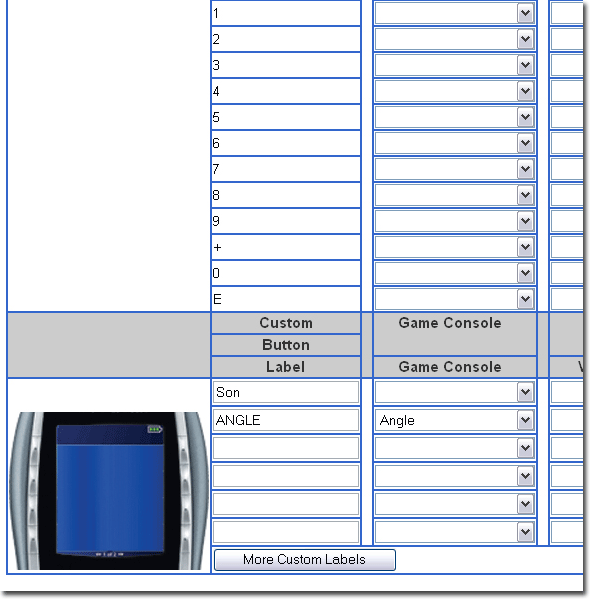
To configure the Harmony remote control, you go to its website, enter the name of your device and download the information via USB.
If a device is not referenced, the remote control is programmed via an infrared connection, which is then checked and integrated into the company's database through the PC to website connection. The result is a list that contains almost all existing devices, including the most obscure brands. As soon as a new model appears on the market, it will be quickly included Compare Prices on Logitech Harmony Remotes.
The database also includes PC functions that are particularly interesting. Media center PC software from Microsoft, Pinnacle, Philips and others is available, and even if a command is missing, you can still program the remote control to get it to work. The remote is thus compatible with a home theater PC as well.