

Win a prize by entering your build into the inaugural Tom's Hardware Rig Rundown — submit a build to get your setup evaluated by our expert staff
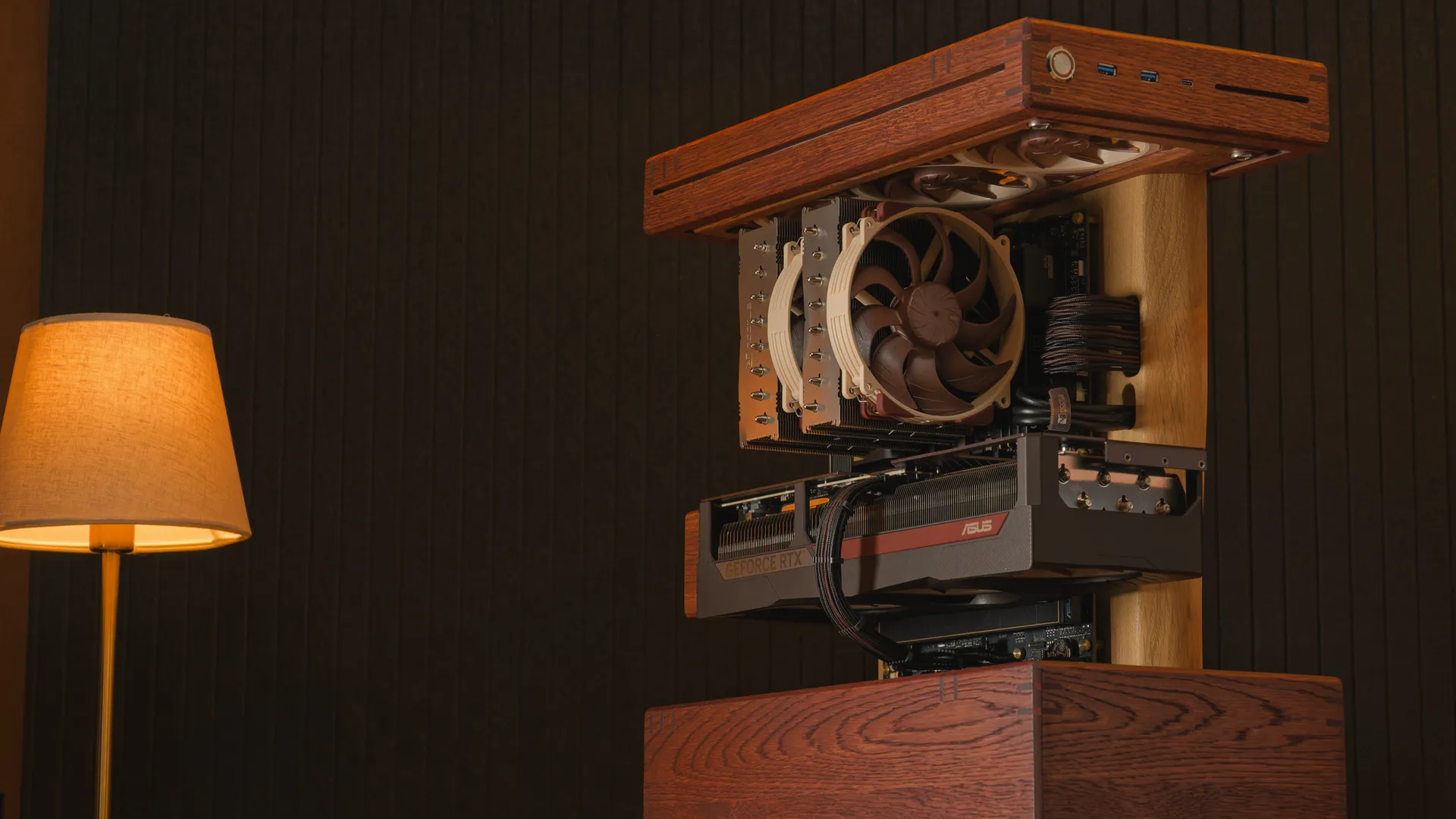
Enter the Rig Rundown to be in with the chance of winning a $100 / £75 Amazon Gift Card.
For almost three decades, the Tom's Hardware team has reviewed the latest hardware, all the way from GeForce2 to the RTX 5000 series. We have racked up tens of thousands of man-hours dedicated to the most accurate results you'll find on the internet, spanning more rounds of benchmarks than you can imagine, for almost every product category you can think of.
But one thing we haven't done recently is take a closer look at the personal setups of our readers.
With Rig Rundown, we're changing that. We're on the lookout for all manner of incredible, chaotic, or interesting builds that you have to offer. So, whether you're running an eight-monitor behemoth with multiple systems or you've engineered a home server rack inside of a closet, we want to see it all. You don't need the latest and greatest specs to enter; it could be a simple PC build that you're really proud to share with someone. The beauty of inhabiting a community of tech enthusiasts is that we're all just simple nerds at heart, and with Rig Rundown, we want to give you the spotlight.
The premise is simple: submit your setup in the comments below, tell us a little about how or why you decided to build what you have, any particular specs that you want to show off, or what makes your space unique or special to you. Once we've accrued a good number of entrants, we'll place the best and brightest builds and setups into a shortlist. That shortlist will then be presented to our team of veterans and experts on staff at Tom's Hardware, who will offer their two cents on your particular submission. Our collective thoughts on all shortlisted builds will then be placed into a Tom's Hardware Premium article, where subscribers can read all about it.
We'll also be crowning one lucky entrant with a $100 / £75 Amazon Gift Card for their submission, so be sure to enter to be in with the chance of getting a spotlight and winning that Gift Card. (U.S. & UK only.)
Our full terms and conditions and privacy policy apply. Entries close on April 4, 2026, at 00:00 GMT.

Sayem Ahmed is the Subscription Editor at Tom's Hardware. He covers a broad range of deep dives into hardware, both new and old, including the CPUs, GPUs, and everything else that uses a semiconductor. He has worked as a professional tech journalist since 2015 and has written for Gamespot, IGN, and Dexerto.
-
dhbusy z690, 14700k, eCores & HT off, pCores 5.7, ringbus 5.2Reply
DDR4-4000 @ 16-19-19-39, 8ns first word latency
cs3150 2t directly on the CPU lanes, ~28us latency
3080ti FE stock settings
Most core components were used/refurbed; with the case, PSU, and AIO coming in the CoolerMaster TD500 MAX combo to get the ~11mm thicker radiator.
Display is a venerable Asus VG248QE with the NVIDIA G-SYNC DIY kit applied ca. ~2014
https://i.imgur.com/jmQTcNP.jpeg -
TerryLaze Reply
I'm pretty sure that the whole point of this is to have a pic of the setup because that's what everybody else does and also that's what's interesting to other people.dhbusy said:z690, 14700k, eCores & HT off, pCores 5.7, ringbus 5.2
DDR4-4000 @ 16-19-19-39, 8ns first word latency
cs3150 2t directly on the CPU lanes, ~28us latency
3080ti FE stock settings
Most core components were used/refurbed; with the case, PSU, and AIO coming in the CoolerMaster TD500 MAX combo to get the ~11mm thicker radiator.
Display is a venerable Asus VG248QE with the NVIDIA G-SYNC DIY kit applied ca. ~2014
No fault of yours either way, since they don't say anything about pics. -
Anesthetic Alienware AL3423DWF 1440p UWQHD ultrawide QD OLED monitorReply
Asus Strix B850 A motherboard
Ryzen 7800X3D
32GB (16GB x2) Patriot Viper DDR5 6000Mt/s white CL30 ram
Asrock Radeon 9070XT Steel Legend 16GB
Thermalright Peerless Assassin 120 Digital RGB CPU Cooler
Western Digital SN850X 1TB NVME PCie 4x4 main drive
Team Group MP34 4TB NVME PCIe 3x4 secondary drive
Lian Li 011D Evo RGB white
MSI 750w gold rated PSU
3x 140mm Arctic p14 pro reverse blade intake fans on bottom
3x 140mm Arctic p14 pro reverse blade intake fans on side
3x 140mm Thermalright TL-C14CW-S exhaust fans on top
1x 120mm Thermalright TL-C12CW-S exhaust fan on back
Razer Blackwidow V3 keyboard
Razer Basilisk V3 mouse
a/tuoYfSnI chose the parts I did because I wanted the white rgb snow globe look. I saw someone selling a 9070xt near me on facebook in Feb for $650 and couldn't pass it up. He offered me a 7800X3D for another $250 and I couldnt pass that up either. Everything else fell into place pretty quick after that. I got the wd nvme the next day for a bargain at $75, the razer mouse and keyboard together used for $50, the monitor for $400, and the ram for $300. Mobo was $140 used on fb. I already had the 4TB teamgroup drive from a laptop before prices went crazy. The psu I got from a guy on fb for $50. The case and fans I bought on amazon for retail prices. Cpu cooler was on clearance on amazon for $40. All told I got the whole setup for $2100 with taxes, and I feel like i got away with highway robbery during the rampocalypse. -
Baeloro1481 I took a break from PCs from 2016 to 2020. My PC prior to that was a Q9650 paired with a STRIX GTX 960 4GB. When I got back into PCs in 2020, I picked up right where I left off with a 4690k and a STRIX GTX 980 4GB. That got me by for awhile and since 2020 I have been slowly building and enjoying this:Reply
CPU: Intel Core i7 11700F
MOBO: MSI Z590 Tomahawk WIFI
RAM: Corsair Vengeance LPX 2x16GB 3200mhz DDR4
GPU: RTX 3070 FE
Cooler: Cooler Master Hyper 212 Black RGB edition
Storage: WD Black SN770 500GB - Windows 10 Pro(yeah I know)
WD Black SN850x 1TB - Games and stuff.
PSU: Corsair RM750e 3.1 ATX (refreshed)
Riser Cable: Cooler Master Vertical riser V3
Fans: Corsair Elite 2x 140mm (top exhaust)
Corsair Elite 1x 120mm (rear exhaust)
Corsair Elite 1x 120mm (bottom Intake)
Corsair Static Pressure 2x 140mm (front intake, borrowed from 2015 120mm AIO)
Case: NZXT H5 Flow (2024 refresh)
Monitors: 2x LG 24GN650-b 144hz IPS
Peripherals: Logi hero 502/Dierya DK61 silver gateron 60% keyboard
Logi C922 webcam/Blue Yeti Mic/Logi Z407 speakers/Logi G435 headset
8Bitdo Ultimate 2.4ghz controller (original)/Vari desk 48" pro plus Desk Riser
a/qmIJVAf
It's not the best PC out there but it's mine and 1080p/144hz is pretty attainable across the board. -
bobwilmes I started building my rig to edit 8K video back in the spring of 2025. I started with an ASUS X870E Hero motherboard, AMD Ryzen 9 9950X3D CPU,Reply
ASUS Prime RTX 5080 GPU, 128K of Crucial DDR5 RAM, Water cooler, Blackmagic Design Decklink 8K G2 Pro, and Samsung 990 Pro SSD cards in a Fractal Design case. Wifi 7 on the motherboard connected to my T Mobile fiber internet. Logitech MX Master Keyboard and Mouse. Parallel Displayport 1.4 cables to a Dell 32” inch 8K monitor. I also run 8K video HDMI over a Ruipro fiber cable to a 65” Samsung 8K TV. Windows 11 Pro running Davinci Resolve 20. ai shoot 8K video on a Canon R5C. -
Elf_Boy 🎮 My Future-Proof Gaming PCBuilt for longevity and performance, this rig handles everything from modern AAA titles to classic MMORPGs while doubling as a tech exploration platform.Reply
Core Desktop SpecsCPU: AMD Ryzen 9 9950X3D
Motherboard: ASUS ROG Strix X870E‑E Gaming WiFi
RAM: 192GB DDR5 (2898 MHz)
GPU: Sapphire Radeon RX 7900 XTX
Cooling: Corsair H150i Elite AIO
Storage:• 2TB Corsair MP700 PCIe 5.0 NVMe — C: boot drive, productivity
• 8TB Corsair MP600 PRO NH PCIe 4.0 NVMe — game installs
• 2TB Sabrent Rocket Q4 PCIe 4.0 NVMe — IDEs, compilers, VMs
Power: Corsair HX1000i
Peripherals: Corsair K70 RGB Rapidfire + Corsair Katar Pro
Optical: ASUS BW‑16D1HT Blu‑ray Writer
Display: Triple 4K 55" setup with Samsung Odyssey Ark 2, 55" as primary/center
Network: Realtek PCIe 5GbE + MediaTek Wi‑Fi 7
Mobile Gaming: Corsair Voyager A1600 (32GB, 4TB RAID 0) - the heavy hitter for gaming on the go
Mobile Productivity: ASUS Zenbook Duo (i7-155H, 32GB, 1TB) - dual-screen efficiency with excellent battery life
VR Gaming: Meta Quest 3 for immersive experiences
Infrastructure & StorageNAS: QNAP 36TB internal + 24TB USB expansion | Network: ASUS RT-BE92U router with VPN configuration, Netgear 16 port 1gb managed Switch, NICGIGA 4\00d72.5Gbe 2\00d710gb Network Switch
Philosophy & Usage This multi-tier setup covers every gaming scenario—desktop for maximum performance, Corsair laptop for portable gaming sessions, ASUS for productivity work, and Quest 3 for VR adventures. Recent Mobo, CPU upgrade ensures years of relevance as I transition into retirement. Beyond gaming (Diablo 2 Resurrected, BG3, Secret World), the ecosystem excels at: • Virtual tabletop gaming via Fantasy Grounds and Foundry VTT
• VR gaming and experiences with Quest 3
• Mobile gaming with the Voyager A1600's serious specs
• Media consumption across multiple streaming platforms
• Network administration and tech experimentation
Build Evolution Like most enthusiasts, I upgrade incrementally rather than wholesale replacement. This approach maximizes value while maintaining cutting-edge performance across desktop, mobile, and VR platforms.
Note: I did use ai to check grammar, spelling, and clarity - I wrote the content myself, just got editing help.
jRvbCTPView: https://imgur.com/jRvbCTP
QqDF5gPView: https://i.imgur.com/QqDF5gP.jpeg
-edit: Insomnia so cleaning up and adding details. So many other wonderful posts to take inspiration from. -
dhbusy Reply
For sure -- I just happened to be on mobile right then. This forum software doesn't appear to let me upload, and it won't parse a Google Photos link.TerryLaze said:I'm pretty sure that the whole point of this is to have a pic of the setup because that's what everybody else does and also that's what's interesting to other people.
No fault of yours either way, since they don't say anything about pics. -
Colonialman1776 I start with a AMD Ryzen 9 9950 4.3 GHz 16 core processor, cooled by Arctic liquid Freezer III 360 56.3 cfm liquid CPU cooler, a Gigabyte x870E Works elite wifi7 aorus atx am5 motherboard, g skill Trident Z5 RGB 64 GB 2x32 GB DDR 5-6400 CL 32 memory sticks, Samsung 990 Pro 2 TB M,2-2280 Pcie 4.0x4 NVME solid state drive, Sapphire Pulse Radeon RX 7800 XT 16 GB video card, Antex Flux Pro ATX full tower case,Corsair RM1000x 2024 1000 W fully modular ATX power supply and finish with MS,Windows 11 pro retail USB 64 bit operating system plus,a Gigabyte curved screen monitorG27fca all for around 3k look for deals a good setup for business or gaming imho. ThanksReply -
COLGeek Reply
Upload images to a site like imgur.com and then post a link to the image(s) here.dhbusy said:For sure -- I just happened to be on mobile right then. This forum software doesn't appear to let me upload, and it won't parse a Google Photos link. -
bit_user Reply
@dhbusy , I'll just add that when you upload an image to imgur, there's a ... menu that you'll see when you mouse over the uploaded image. If you click that and select the item Get share links, there's a BBCode option that you can copy-paste directly into your post. It looks like this:COLGeek said:Upload images to a site like imgur.com and then post a link to the image(s) here.
And it'll render inline (i.e. without the imgur frame), like this:
BTW, you don't have to make your Imgur post public, in order to share images from it in this way.
P.S. that image is from a post I had just made here, if anyone is interested:
https://forums.tomshardware.com/threads/toms-hardware-member-system-gallery.1285475/post-23609786
It's not a submission to this thread. I have another system in mind for that. Also, I have to add that it wasn't easy to get a good window pic of an unlit case, without either catching myself in the reflection or getting too much glare in the window, itself.
: )