DHCP Server Installation
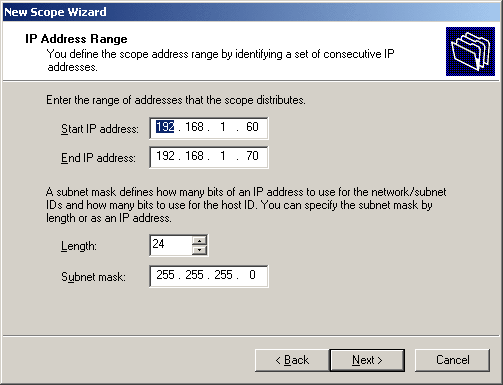
Once our server can resolve names and IP addresses and already works in Active Directory mode, only the DHCP server (Dynamic Host Configuration Protocol) is missing. By default, every windows computer looks for such a server in order to pick up its IP address, the Internet gateway and various other network parameters.
After service is installed via [Control Panel] - [Software] - [Windows Components] - [Network Services], it must be managed using the management console. Here, we need an IP address range (see screenshot above).
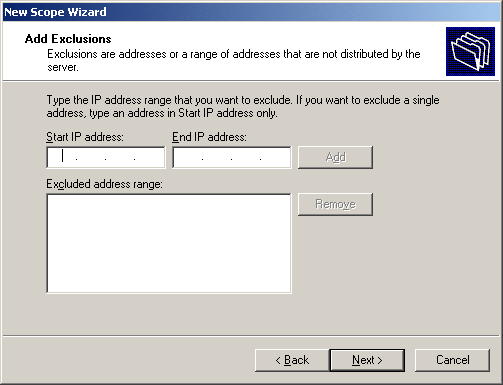
In turn, address spaces can be excluded from the address range.

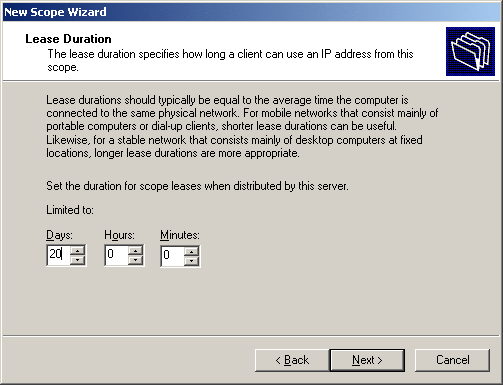
The IP lease is a time value that stands for the validity of an IP address. In networks with only a few changes, this lease can easily be a month long, while the use of shorter leases (a few days) makes more sense in frequently changing systems.
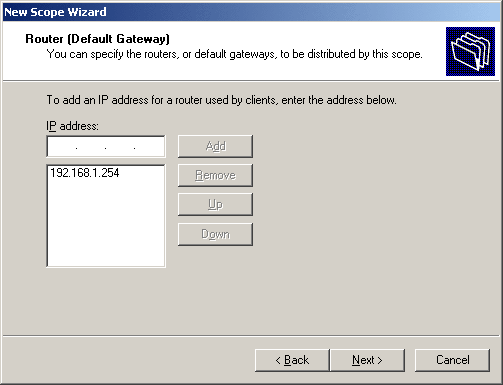
Specifying an Internet gateway is very important for the users. In small environments, this is usually the DSL router.
