Driver Interface
The driver interface is an area that many ATI customers have come to appreciate for its simplicity yet ability to offer full control over the various desktop, 3D and video options. This hasn't changed much as things have stayed rather simple within this driver. It maintains the functionality that allows advanced users to adjust most of the commonly used features. Let's take a look at the available option windows.
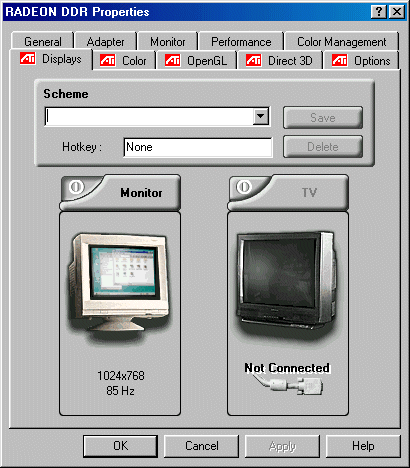
Our first window is very simple. The options consist of video out choices and the ability to use presets or schemes.
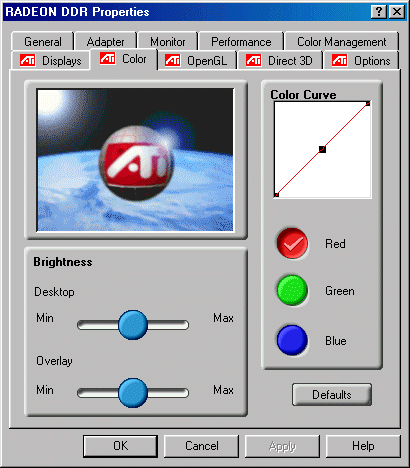
Nothing too strange in this window that gives you the ability to adjust your various color levels for the desktop. This is a very basic window for a very simple option.

TOPICS