The Build Your Own Articles
- Build Your Own XGA Projector II: Suitable TFT Monitors
- Supersize Your TV for $300: Build Your Own XGA Projector!
- Webcam Quality Test Shootout
- Installing WindowsXP and Service Pack 2 with 1 CD
- Locking Down Your Passwords with KeePass
- Clutter Rescue: 2 Port KVM Switches
- Saving Space: 4 Port KVM Switches
- My Own Server Part 1: DIY 1U Rack Servers
- Printing Your Own CDRs With Ink
- PC Size Means Everything
12:02 PM - January 12, 2005 by
Daniel Schuhmann
Source: Tom's Hardware US – Keywords: windows, xp, a, goner
Topics: Buyer's Guides
Syndication:
Source: Tom's Hardware US – Keywords: windows, xp, a, goner
Topics: Buyer's Guides
Syndication:
Table of Contents:
For Power Users: Console On The Hard Drive
If you need the console more often, you can also install it locally on the hard drive. It is then added to the Windows boot menu and can be selected at startup.
To install the Recovery Console, run WINNT32.EXE from the I386 folder on the Windows CD using the /cmdcons parameter.
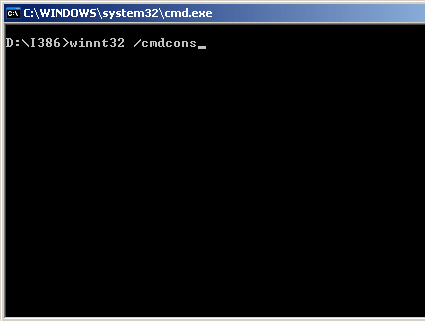
The /cmdcons parameter installs the Recovery Console

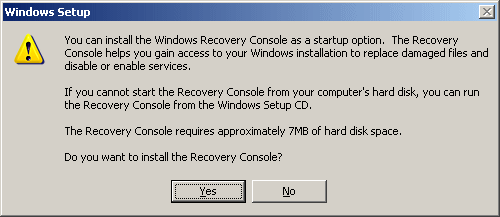
Question before installation
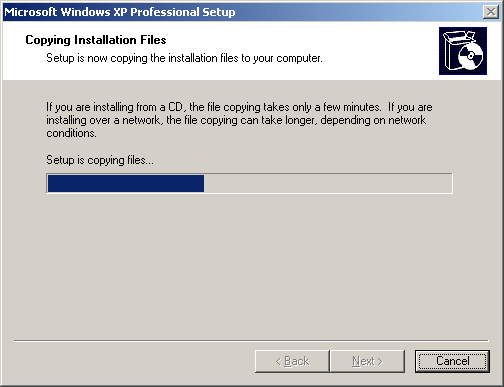
Installation progress: if the computer is connected to the internet, the console can be updated online.
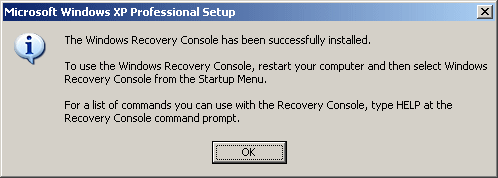
Installation complete
- Previous page On Call: The Recovery Console, Continued
- Next page For Power Users: Console On The Hard...
Amazing