







$10 programmer saves BIOS-locked Lenovo ThinkPads from the dump — exploit bypasses supervisor passwords to save 4th- to 8th-gen Intel models from e-waste
More affordable ThinkPads for everyone.
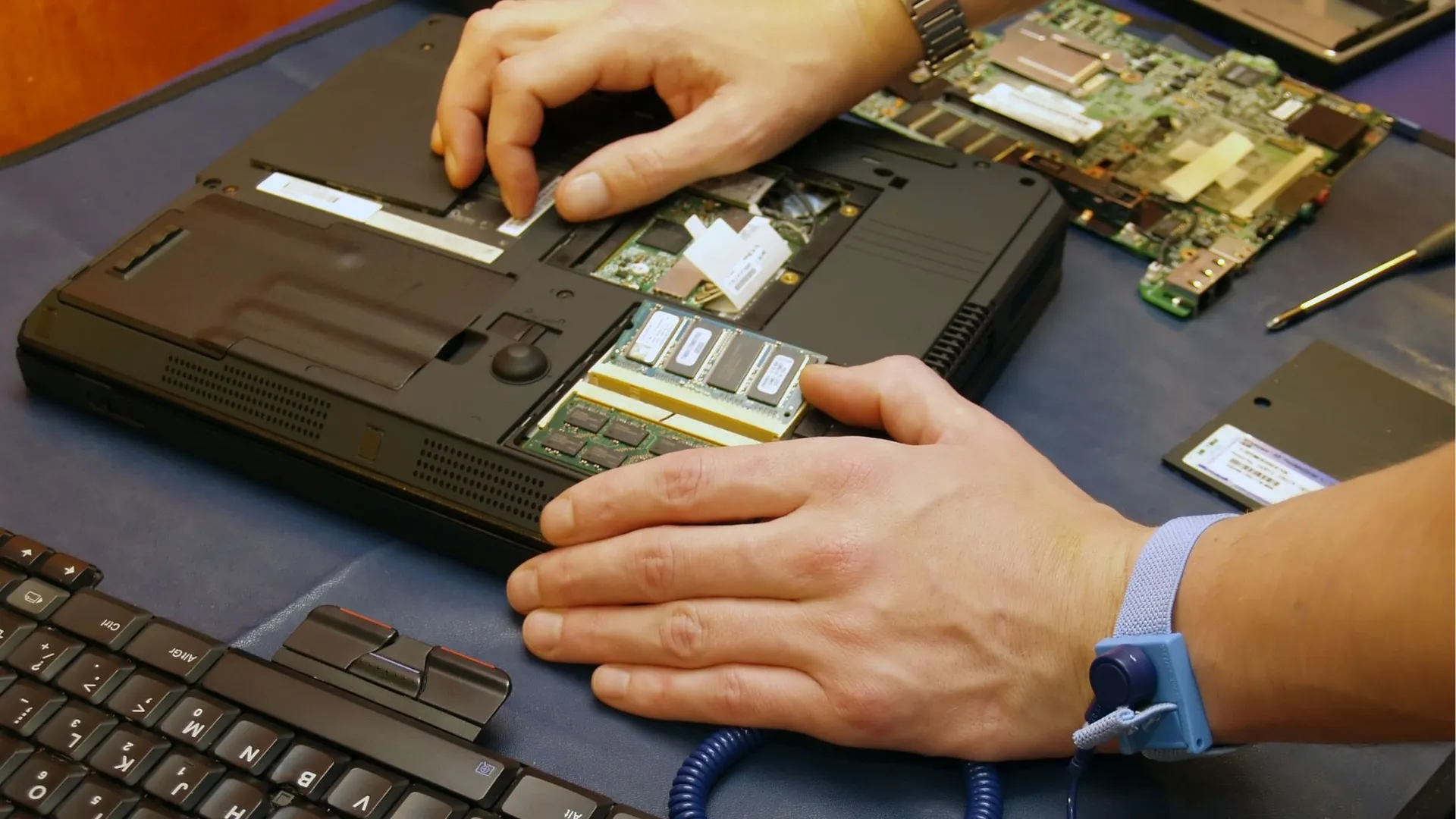
Rebooted by Hileeq has shared how others can get cheap Lenovo ThinkPads and save them from becoming e-waste by using a simple BIOS unlock hack that only requires a $10 programmer and another laptop or PC. The technique is niche, known mostly by technicians, but Hileeq is the first to give this bypass mass attention with an easy-to-follow YouTube tutorial.
BIOS Lock? A simple lifehack to score cheap ThinkPads from ebayfrom r/pcmasterrace
Rebooted by Hileeq's channel, dedicated to fixing cheap eBay finds, documents the process and what he learned while fixing the laptops. Three weeks ago, he posted a video explaining how to bypass locked Lenovo ThinkPads with Intel 4th- to 8th-generation CPUs using a cheap CH431A programmer to read, write, erase, and save EEPROM and SPI flash memory.
Companies often add supervisor passwords to the fleet of ThinkPads they hand out to their employees as an IT security measure. When these ThinkPads are disposed of, often with the storage removed and destroyed, it’s rare that the supervisor passwords are included and documented. These locked ThinkPads are then incredibly cheap because of the lack of access, ending up as e-waste most of the time. However, Victor Voinea shared a post in a Romanian forum containing his ThinkPad supervisor removal exploits.
Unfortunately, Voinea’s method generated a random password every time the exploit was run, requiring users to contact Voinea for the key specific to the generated hardware ID — and getting the password wasn’t free. However, in 2020, Knucklegrumble posted a free way to bypass the password in the Badcaps electronics repair forum. Mark Juvan, an Ethical Hacker, reverse-engineered Knucklegrumble’s exploit as his cybersecurity master’s thesis at Radboud University Nijmegen, Netherlands, which goes into deeper detail.

The exploit begins by extracting the BIOS from the EEPROM chip on the motherboard using the CH341A programmer and plugging it into a USB port of another PC or laptop. Hileeq then uses NeoProgrammer, a utility for CH341A programmers, and dumps the BIOS, saving a copy of it on the other laptop. NeoProgrammer then applies the same auto-patching workflow Knucklegrumble created.
When the patched BIOS is flashed onto the EEPROM, the laptop can then be turned on, and Hileeq goes through some steps requiring a few keystrokes which remove the password saved in the Embedded Controller (EC), a separate IC that stores security data, among other system tasks. The original BIOS can then be flashed back into the EEPROM, and with the supervisor password removed, the laptop is now usable.
Juvan states in his paper that the exploit takes advantage of a weakness in Lenovo’s firmware verification and driver architecture. Lenovo actually provides the EmulatedEepromDxe driver needed by the exploit, and the driver allows the EEPROM to be read and written to — and the EC’s supervisor password happens to be stored where it’s treated as EEPROM memory, allowing the supervisor password to be overwritten or removed.
Get Tom's Hardware's best news and in-depth reviews, straight to your inbox.
The hard, complicated work has already been done by the electronics repair community, and now the process to bypass the supervisor password requires just a few steps and an inexpensive programmer tool. While the method may only be for ThinkPads with Intel 4th- to 8th-generation CPUs, this will still save plenty of usable ThinkPads from going to waste, as Hileeq’s popular post potentially encourages more people to attempt this themselves — who knows, this might cause a domino effect to unlock newer generations of ThinkPads.

Follow Tom's Hardware on Google News, or add us as a preferred source, to get our latest news, analysis, & reviews in your feeds.

Jhet Borja is a serial hobbyist who was taking apart toys from childhood and sketching inventions. He now loves doing DIY projects ranging from designing custom 3D-printed parts, building PCs and keyboards, all the way to woodworking. If he's not getting his hands dirty, he's probably brainstorming his next project.
-
Famj__Liberfree "$10 programmer "Reply
I still can't get past this. What in whoosey whatsit is a $10 programmer? -
USAFRet Reply
I'll not link it here, but google is your friend.Famj__Liberfree said:"$10 programmer "
I still can't get past this. What in whoosey whatsit is a $10 programmer? -
guraldunix 4th Gen Intel CPUs are approaching 14 years old.Reply
Sure, absolutely, laptops of that age could be put to use for something.
Nevertheless, I wonder at that point if a raspberry pi might be more performant. -
usertests Reply
These are laptop chips, so definitely slower than the desktop chips of the same gen, but maybe not by too much. Models and core counts aren't specified AFAIK.guraldunix said:4th Gen Intel CPUs are approaching 14 years old.
Sure, absolutely, laptops of that age could be put to use for something.
Nevertheless, I wonder at that point if a raspberry pi might be more performant.
For example, i7-4700MQ (mobile) vs. i7-4770 (desktop). The 4770 non-K is 23-32% faster.
Here's a comparison between the Raspberry Pi 4 (BCM2711), Raspberry Pi 5 (quad-core Cortex-A76), Intel N100 (Alder Lake-N), a 2c/4t 4th gen laptop chip, and 4c/8t:
https://www.cpubenchmark.net/compare/4297vs5743vs5157vs1947vs1923/BCM2711-vs-ARM-Cortex-A76-4-Core-2400-MHz-vs-Intel-N100-vs-Intel-i5-4200U-vs-Intel-i7-4700MQ
It indicates that the dual-core i5-4200U is a little faster than the Raspberry Pi 5. I don't think that can be the case, and I assume RPi on PassMark must be running into an x86/ARM translation problem.
Geekbench 6 results instead:
RPi 5: https://browser.geekbench.com/v6/cpu/9919608899 single, 2144 multi
i5-4200U: https://browser.geekbench.com/processors/intel-core-i5-4200u741 single, 1387 multi
i7-4700MQ: https://browser.geekbench.com/processors/intel-core-i7-4700mq908 single, 3003 multi
Haswell lacks H.265 HW decode, but it has basic 8-bit H.264 HW decode. Raspberry Pi 5 lacks H.264 HW decode, but gets H.265. RPi wins out on video capability.
I have no idea about the graphics, other than RPi 4/5 having pretty bad graphics, and some Haswell laptop chips include 128 MiB eDRAM.
In conclusion, 4th gen quad-core Haswell laptop chips are at least comparable to the Raspberry Pi 5. They are still useful after 14 years, they'll remain useful for longer if maintained properly, and if they are running Linux. If you put Windows 11 on it, you're going to have a bad time because of some features that aren't available until Kaby Lake or later.