A maker has shared their take on the Makeyo MK01 3D printed PC case. They outline a handful of useful mods that they implemented based upon this premium 3D printing template. The MK01 was already a stunner, but the addition of a front USB-C port, inner 2.5-inch SSD brackets, and a fresh color scheme, all make Marst_art’s re-spin worthy of attention.
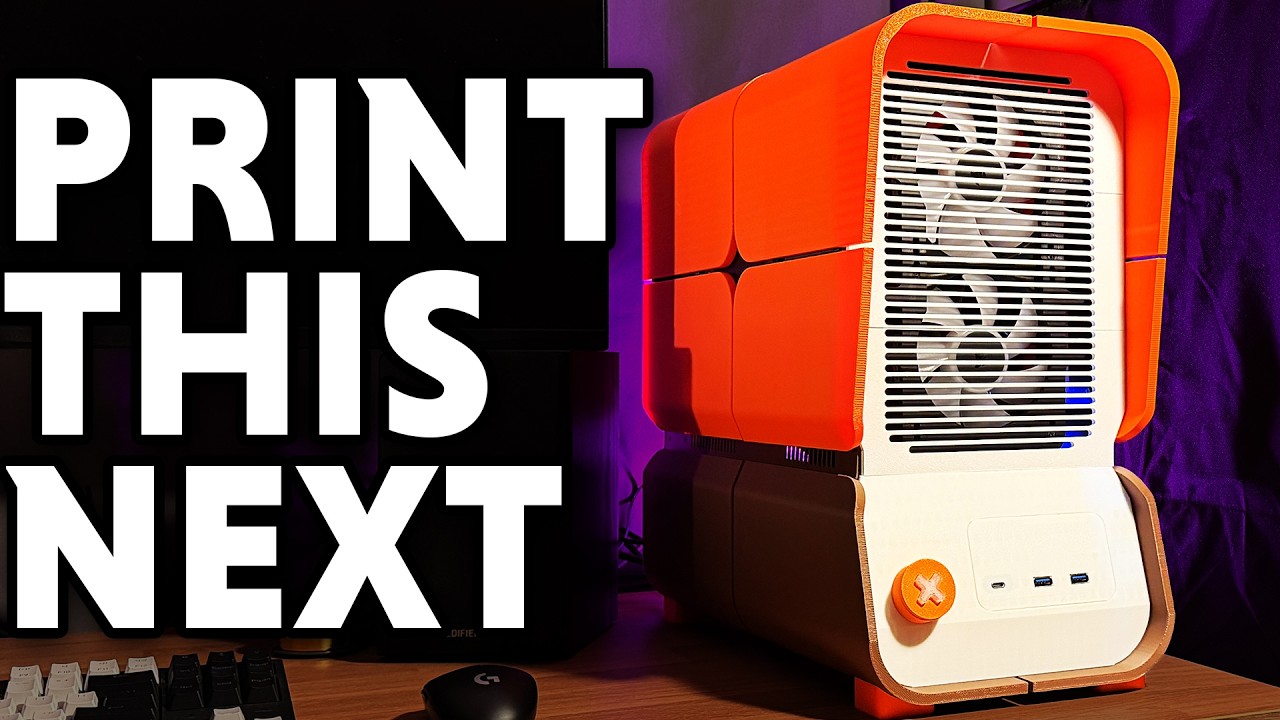
The re-maker reckons that the PC case landscape is flooded with white / black / glass boxy structures, focused on showcasing RGB light shows. Marst_art would rather the case design to do the talking, not the lights, so was drawn to adopt the retro-futuristic Makeyo design.
It is difficult to find something perfect for your dream PC build, off the peg. Marst_art begins his video by commenting that “the Makeyo MK01 is exactly what I’m looking for in a case… Well, almost exactly.” Then the maker explained that he would implement the following enhancements, to tweak the Makeyo MK01 'just so':

- Add a front USB-C port for easy access, particularly for a VR HMD,
- Implement internal SSD mounts for the multitude of SATA drives Marst_art still uses,
- Change the design of the power button shroud, which is viewed as unnecessary.
Marst_art used a Bambu Lab A1 3D printer to output all the files required for this PC case build. He chose PLA for the case panels, which would be magnetically attached for quick servicing, while ABS was the material of choice for the frame for its heat resistance.
After printing and preparing all the parts, he noticed that he needed to print an adaptor to fit an SFX PSU in the design, as provided. With the Mayeko MK01 fitted with a full ATX motherboard, an SFX PSU is necessary, using the current plans.
Inside the finished chassis, Marst_art used his previous PC’s guts, so it ended up being fitted with an AMD Ryzen 7 5700G CPU, Nvidia RTX 3080 GPU, 64GB RAM (bragging now), and a total 10TB of M.2 and SATA storage.


The final change, which the maker had previously suggested he would implement, was a power button shroud redesign. The interesting ‘X’ motif which detached to allow the power button to be prodded wasn’t required or desired by Marst_art. Instead, he 3D printed an ‘X’ insert in a translucent material, so the assembly just became a prominent power button with the light shining through its center.
If you want to check out the original Makeyo MK01 3D project, and compare it to the remake / tweaked version, check out the video below:
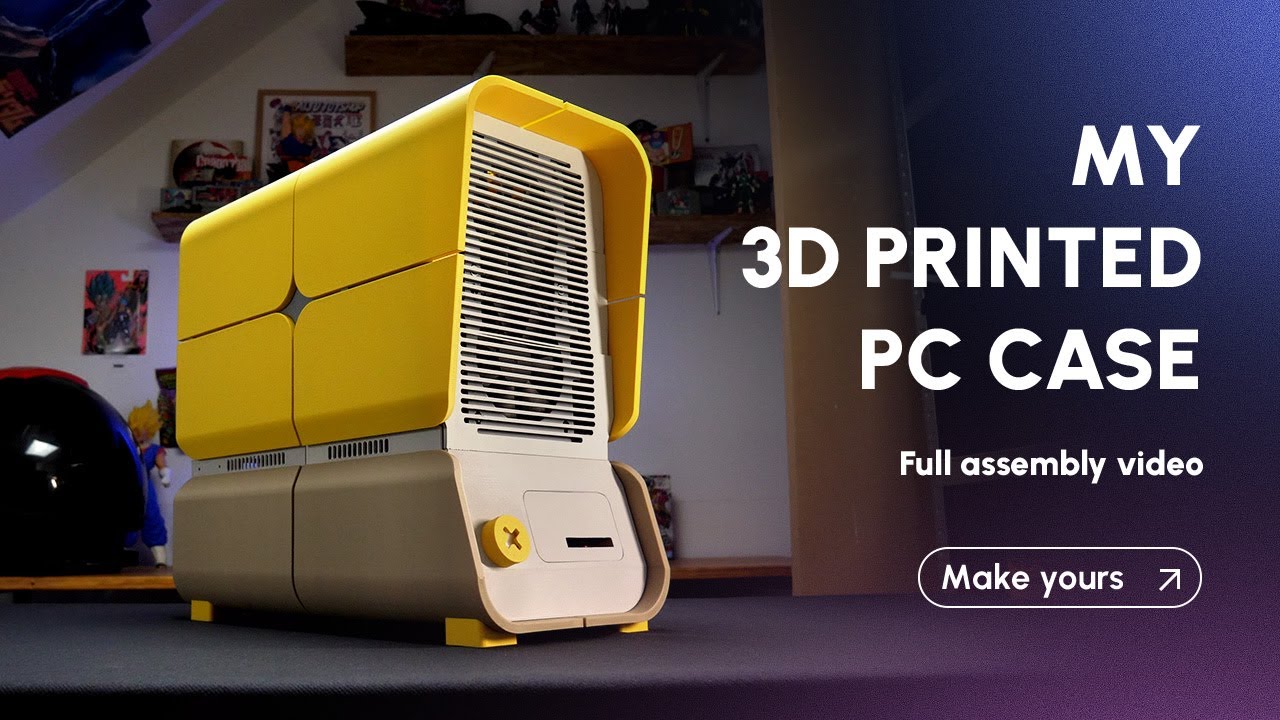
On the journey, following the Makeyo plans, Marst_art noticed that the plans and guide materials didn’t quite match up. That is actually explained by Makeyo’s diligent work on updating and refining the premium 3D printer design plans it sells. So, there’s a slight disconnect, but what you are printing now is a refined (bug fixed) version of what was originally launched.
Apparently, Makeyo is actually working on an updated revision which supports the mounting of 2.5-inch SSDs. Marst_art therefore reasons that his ‘janky’ SATA mounting 3D printer files aren’t worth sharing at this time.

Follow Tom's Hardware on Google News, or add us as a preferred source, to get our latest news, analysis, & reviews in your feeds.